10 Best HeyGen Alternatives for AI Video Localization in 2026
Discover the best HeyGen alternatives for video localization. Compare tools like LipDub AI to translate video with realistic lip sync and full editorial control.
Quick Summary
HeyGen is a tool with the right features for script-based AI video creation, but professional teams often require more control over their localization workflows. This guide compares 10 HeyGen alternatives, including LipDub AI, Sync Labs, and Rask AI, to help you scale localization while keeping the speaker’s tone and performance intact.
Here are our top three picks:
LipDub – Blog Table
#
Tool
Best For
1
LipDub AI
High-fidelity video translation with full editorial control and long-form support
2
Sync Labs
Developers needing real-time lip sync via API integration
3
Rask AI
Content creators localizing short-form social media clips
Why You Need a Better Video Localization Tool
Some tools cannot keep lip sync steady during movement or longer scenes. Others lock you out of editing translations before rendering. These are common problems teams face when they localize real footage across training, marketing, sales or product videos.
To help with this, we reviewed 10 HeyGen alternatives that support video-to-video translation, realistic AI lip sync, and better editing control. These tools vary by features, workflow fit, and output quality, so you can choose based on the type of video work your team needs to handle.
Why Listen to Us?
At LipDub AI, we partner with major creative networks such as WPP and Ogilvy, global advertising groups, and entertainment studios like HBO working at the highest level of professional production. Teams trust LipDub for high-fidelity localization built for real production workflows, secure data handling, and a clear policy that customer footage is never used to train our models at any pricing tier.
10 Best HeyGen Alternatives for AI Video Localization
LipDub – Blog Table
#
Tool
Content Specialty
Best For
Pricing
1
LipDub AI
Professional realism and long-form control
High-fidelity localization for complex or long-form video projects
Starts $19/mo
2
Sync Labs
API-driven lip sync
Developers needing real-time synchronization
Starts $5/mo
3
Rask AI
Multilingual translation
Social media managers and marketers
Starts $60/mo
4
Synthesia
Text-to-avatar generation
Corporate training and internal communication
Starts $29/mo
5
Colossyan
AI avatars for L&D
Scenario-based learning and interactive training
Starts $27/mo
6
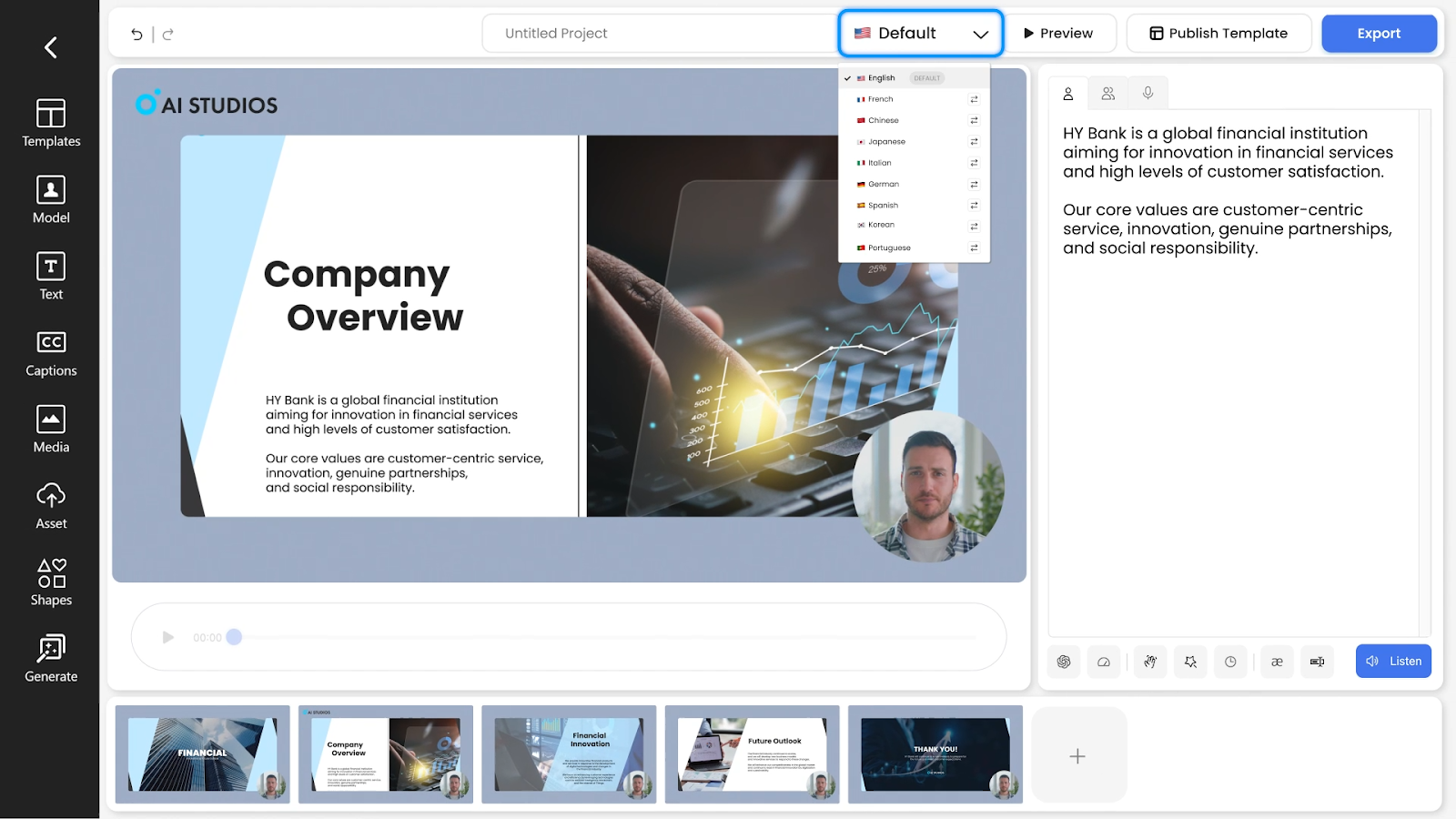
AI Studios (Deepbrain)
Presentation-style video
Solo creators and collaborative presenter videos
Starts $29/mo
7
D-ID
Digital human interaction
Marketing and customer experience teams
Starts $5.90/mo
8
Lemon Slice Studio
Talking avatar videos from images
Creators making talking avatar videos from photos.
Starts $8/mo
9
Pictory AI
Article-to-video workflows
Content marketers and teachers repurposing text
Starts $29/mo
10
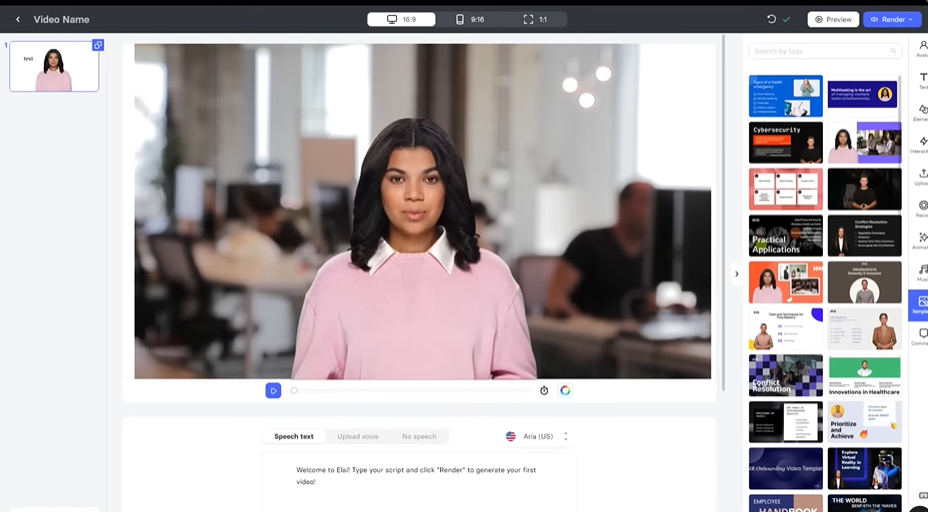
Elai.io
Slide-to-video conversion
Corporate trainers and HR professionals
Starts $29/mo
1. LipDub AI
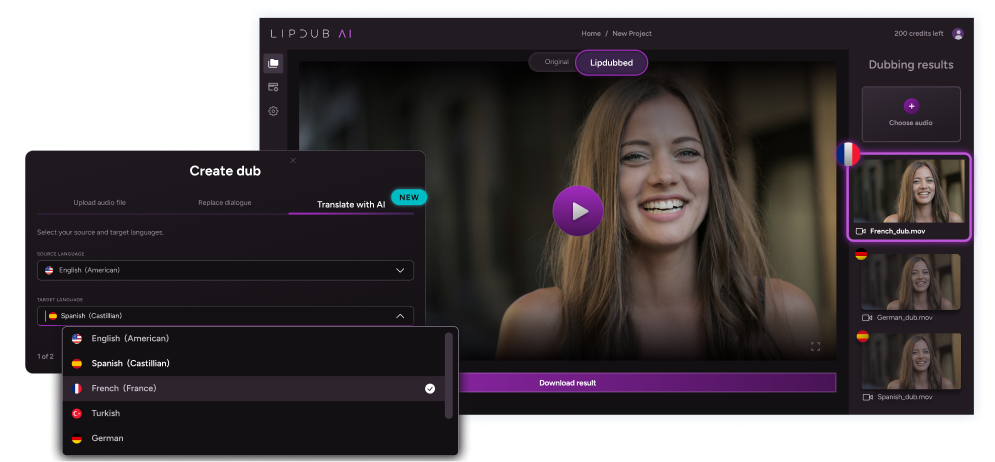
LipDub AI is a video-to-video solution for translating and personalizing content without losing the realism or integrity of the original. Unlike avatar tools, it works with your real footage to maintain the natural emotion and performance of the speaker, or speakers when using its multi-speaker workflow.
It specializes in professional visual authenticity, long-form support, and editorial control. This makes it the best pick for teams in video production, marketing, sales, and e-learning who need to localize video while keeping professional quality.
Key Features
Translation Editor: Review and adjust translations for tone and context before you generate the final video.
Side Profile Support: The lip sync remains aligned on angled shots and posture changes.
Voice Cloning: Keep the original speaker’s tone and personality consistent across different languages.
Long-form Support: The platform maintains consistent quality in longer videos, where generic models often fail after 30–60 seconds.
Batch Generation: Create hundreds of localized versions of a single video to reach different audiences at scale.
You can try it out for free with no commitment to evaluate the technology and lip sync quality.
Core plan is $29 monthly for 30 credits. That gives you up to 15 minutes of translated video content per month.
Growth plan is $99 monthly for 100 credits. That gives you up to 50 minutes of translated video per month.
Scale plan is $249 monthly for 250 credits. That gives you up to 125min of translated video per month.
The Enterprise plan offers custom pricing based on volume and includes API access along with dedicated support. Check more details on the pricing page.
Pros
Proprietary in-house technology ensures high visual fidelity
Full editorial control prevents black box outcomes
Data ownership policies protect your content from being used for training
Maintains quality on longer videos where many tools lose sync or realism
Works with original footage, so you keep real emotion and on-screen performance
Cons
Focuses on video-to-video workflows instead of text-to-video
Advanced features are built for professional rather than casual use
2. Sync Labs
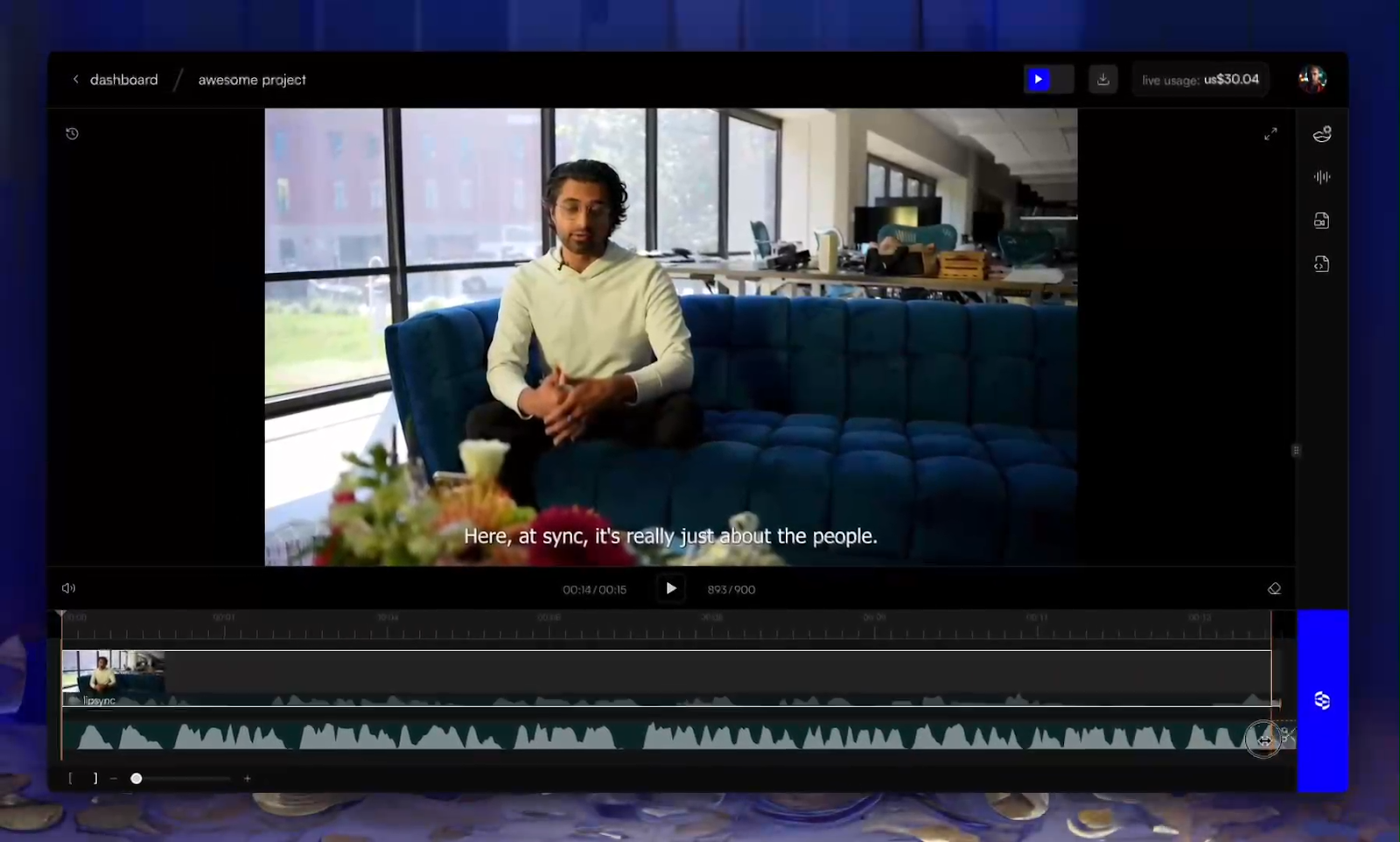
Sync Labs provides a technical solution for real-time audio-to-video synchronization. It is designed for developers who want to embed lip sync into their applications via an API. The technology uses zero-shot models to synchronize dialogue instantly using provided audio.
Key Features
Real Time API: Synchronize audio to video with low latency for interactive or live applications.
Zero Shot Model: Generate realistic lip movements instantly without pre-training on specific speakers.
Style Preservation: The AI learns unique speaking styles to keep delivery consistent in other languages.
4K Support: High quality output suitable for professional and studio grade productions.
Pricing
You can start for free with initial API usage to test the synchronization quality.
Hobbyist plan is $5 monthly plus $0.05 per second for side projects.
Creator plan is $19 monthly plus $0.05 per second to remove watermarks.
Growth plan is $49 monthly plus $0.0475 per second for team workspaces.
Scale plan is $249 monthly plus $0.04 per second for batch API processing. The Enterprise plan offers custom pricing based on volume for large-scale credit bundles and dedicated support.
Pros
High-speed processing for real-time video needs
Works instantly without training on specific speakers
Flexible API makes it easy to integrate lip sync into custom apps and workflows
Supports low-latency streaming for live or interactive video use cases
Cons
Requires technical knowledge to set up and manage
Usage-based costs can scale quickly for high-volume users
Limited built-in editing tools for non-technical teams working outside developer workflows
3. Rask AI
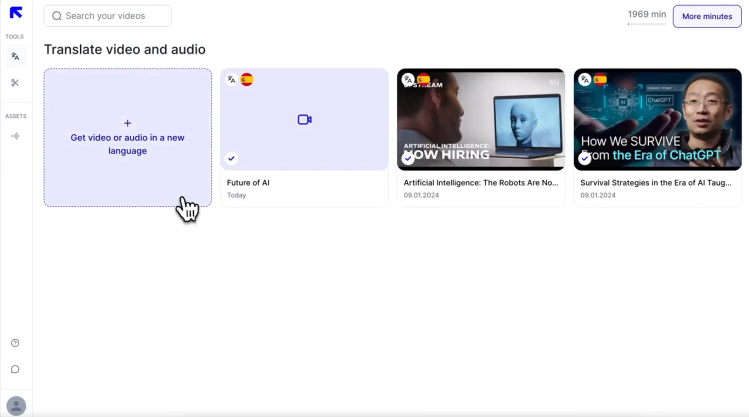
Rask AI is a localization platform built for content creators and companies that need to translate videos quickly. It functions as a one-stop shop by combining transcription, translation, and voiceover into a single workflow.
Key Features
Auto-Translation: Automatically translate and voiceover videos into over 130 different languages and dialects.
AI Shorts Generator: Analyze long-form videos to identify engaging segments and automatically clip them for social media.
Voice Cloning: Maintain the original speaker's tone or keep your own voice across 29 languages when translating.
Multi-Speaker Detection: Identifies different voices in a single video to assign unique, synchronized translations to each person.
Pricing
Rask AI offers tiered plans based on the volume of video minutes required each month.
Creator plan is $60 monthly for 25 minutes and access to 135+ languages.
Creator Pro plan is $150 monthly for 100 minutes and includes lip sync features.
Business plan is $750 monthly for 500 minutes and terminology control.
Enterprise plan offers custom pricing for high-volume needs starting from 2,000 minutes per month. You can use the platform for free initially to test the localization and translation capabilities.
Pros
Simple and intuitive interface for rapid content turnaround
Extensive language support for broad global distribution
Combines transcription, translation, and voiceover in one workflow
Multi-speaker detection helps manage interviews or panel videos without manual voice tagging
Cons
High-fidelity lip sync is restricted to the more expensive Pro plans
Automated voices can occasionally sound robotic or too fast
Limited control over fine translation tone adjustments
4. Synthesia
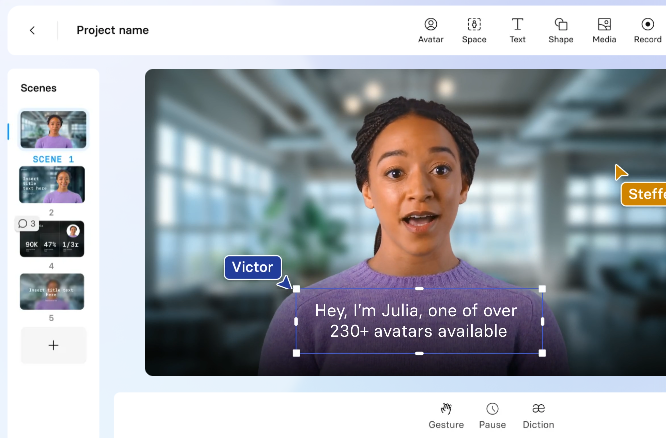
Synthesia is an enterprise-grade AI video platform for creating professional videos from text. It uses digital avatars and text-to-speech technology to generate studio-quality content directly in a browser.
Key Features
Expressive AI Avatars: Choose from over 240 diverse avatars that can perform scripts with realistic gestures and facial expressions.
1-Click Translation: Instantly translate your video scripts and synchronize them with the avatar's lip movements in over 160 languages.
AI Video Assistant: Automatically transform existing documents, website links, or text ideas into full video drafts.
Interactive Video Elements: Add clickable triggers, branching paths, and quizzes to improve audience engagement and learning outcomes.
Pricing
Synthesia offers a free entry point and tiered plans for growing business needs.
Starter plan is $29/mo for 10 minutes per month and 1 editor seat.
Creator plan is $89/mo for 30 minutes per month and 5 personal avatars.
Enterprise plans offer custom pricing for unlimited video minutes, 240+ avatars, and advanced security features.
Pros
Highly intuitive interface enables quick creation of professional-quality videos
Large library of realistic avatars and high-quality AI voices
Wide template library for training and marketing videos
Supports brand kits for consistent visual identity
Cons
Limited customization options for avatars and image placements are restrictive
Mouth movements do not always perfectly match spoken words in every language
No support for editing real recorded footage
5. Colossyan
Colossyan specializes in scenario-based learning and interactive video content for corporate environments. It allows instructional designers to produce training videos directly from PDFs and prompts using AI avatars and text-to-speech.
Key Features
Interactive Learning: Add quizzes and branching scenarios to your videos so viewers can make decisions that impact the story.
Conversation Mode: Feature two AI avatars interacting in the same scene to demonstrate role-play or sales scenarios.
Scenario Avatars: Choose from different camera angles and place digital presenters in specific office or industrial backgrounds.
SCORM Export: Download your content in a standard format compatible with most Learning Management Systems (LMS).
Pricing
You can start with a free trial that includes 5 minutes of video generation.
Starter plan is $27/mo for 15 minutes of video and 70+ avatars.
Business plan is $88/mo for unlimited minutes, 10 auto-translations, and brand kits.
The Enterprise plan is a custom option for teams scaling production with 200+ avatars and advanced security features like SSO.
Pros
Specialized tools for interactive and scenario-based training
Fast conversion of static documents into video drafts
Strong LMS integration with SCORM export support
Supports multi-avatar dialogue for role-play training scenes
Cons
Mouth movements and sound inconsistencies are sometimes noticeable
The library is missing full-body size avatars and more diverse voice options
Limited realism compared to real footage localization tools
6. AI Studios (Deepbrain)
AI Studios is an AI video generation platform that focuses on turning scripts, documents, and web links into professional presenter videos. It streamlines the production process by allowing users to transform written content into engaging footage.
Key Features
AI Avatar Studio: Access over 150 diverse AI avatars featuring lifelike voices and synchronized lip movements in 80+ languages.
URL-to-Video: Automatically generate a video draft by pasting a link to a website, article, or document.
Multi-Avatar Scenes: Create dynamic interactions between multiple characters to add depth to training and storytelling videos.
Presenter Tools: Use built-in features like voiceover narration and presenter-only views with notes to enhance the viewing experience.
Pricing
You can start for free to explore basic video generation and test the synchronization quality.
Personal plan is $29 monthly for solo creators who need up to 30 minutes of video.
Team plan costs $69 per seat monthly for collaborative projects with 4K export support.
The Enterprise plan provides custom pricing for high-volume users.
Pros
Realistic facial dynamics and high-quality lip-syncing for professional output
Fast generation of editable, stylized video drafts from simple text prompts
Large avatar library with multiple language voice options
Supports team collaboration with shared project workspaces
Cons
Pricing for advanced features and higher minutes can be expensive for small teams
Limited mobile preview capabilities and occasional lag during editing
Limited support for editing real recorded footage
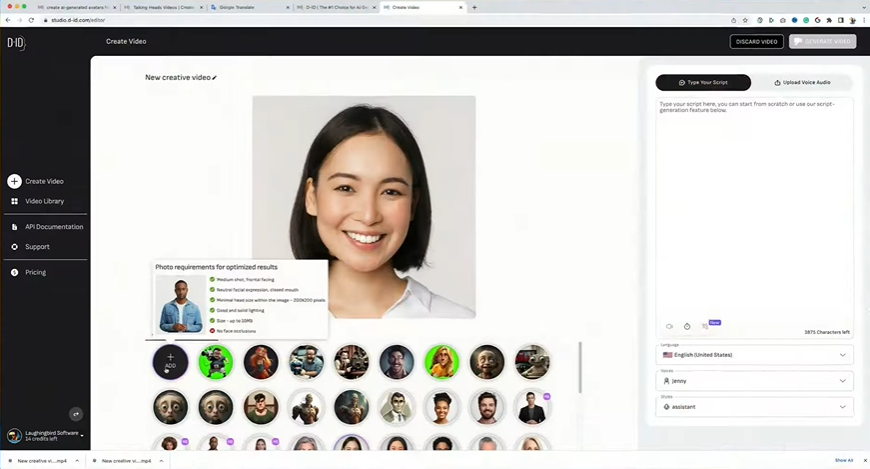
7. D-ID
D-ID specializes in creating advanced Interactive Visual Agents, which are hyper-realistic digital humans designed for real-time, face-to-face conversations. The technology allows organizations to integrate these agents into websites and apps to automate customer service and user onboarding.
Key Features
Visual AI Agents: Build interactive digital humans that engage in real-time conversations on your platform.
Video Studio: Generate polished avatar videos from scripts, briefs, decks, or documents in minutes.
Real-time Streaming API: Integrate D-ID’s advanced animation features directly into your own applications with ease.
Creative Integrations: Use D-ID within familiar tools like Microsoft PowerPoint, Canva, and Google Slides.
Pricing
D-ID offers a 14-day trial that includes 3 minutes of video and API access.
Lite plan is $5.90 monthly (billed annually) for 10 minutes of video and silver AI avatars.
Pro plan costs $29 monthly (billed annually) for 15 minutes of video and voice cloning.
Advanced plan is $196 monthly (billed annually) for 100 minutes of video and a custom logo.
The Enterprise plan provides custom minutes for campaigns and API usage, along with dedicated support.
Pros
Fast content generation suitable for real-time marketing and support needs
Ability to animate any image, including AI-generated characters or brand-specific avatars
Real-time streaming API supports live interactive experiences
Works with common tools like PowerPoint and Canva
Cons
Essential features are locked in higher-tier plans and can be expensive for small budgets
Lack of diversity in character animation angles
Lip sync accuracy can vary across languages
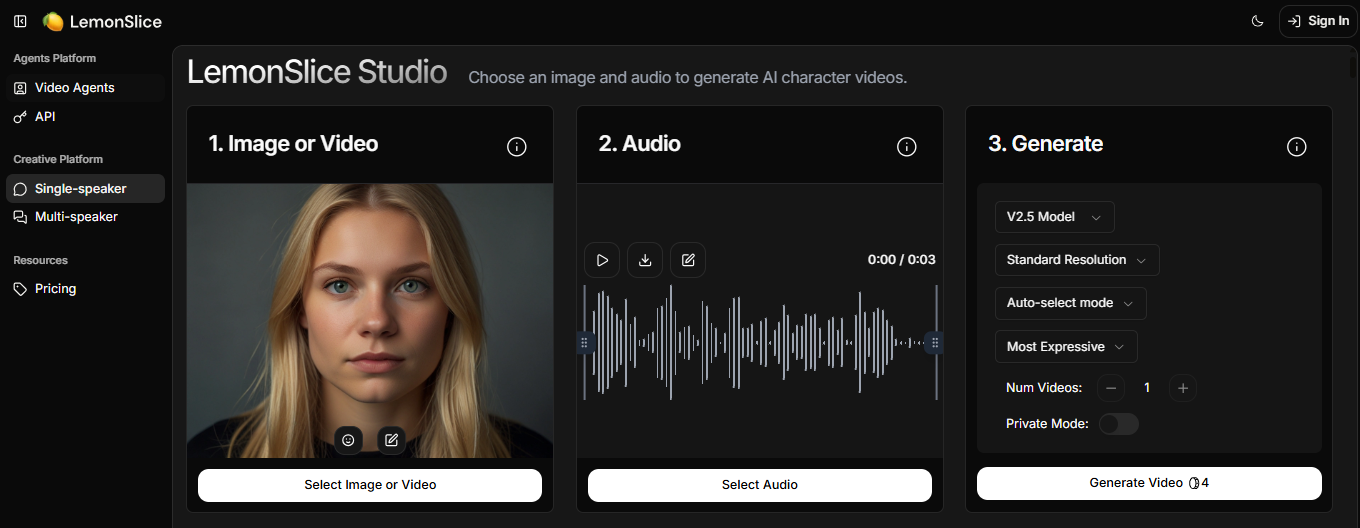
8. Lemon Slice Studio
Lemon Slice Studio is a high-performance AI platform for creating lip-synced talking avatar videos from a single static image. It emphasizes speed and ease of use, allowing creators to produce cinematic 1080p content directly from a script.
Key Features
Zero-Shot Technology: Transform any single photo into an active talking video instantly without requiring prior training on the subject.
High-Fidelity Lip Sync: Produces smooth and natural facial movements designed to match the emotional tone of the provided audio.
Versatile Animation: Supports animating diverse characters, including 2D and 3D illustrations, alongside realistic human faces.
Singing and Acting Support: The AI creates avatars that can emote, move, and even close their eyes to better match musical or dramatic scripts.
Pricing
You can start using the platform with a credit-based system to test its animation capabilities.
Starter plan is $8 monthly for 1,000 credits and commercial use rights.
Creator plan costs $40 monthly for 5,400 credits and up to 20 custom voices.
Professional plan is $100 monthly for 15,000 credits and 20 concurrent generations.
Scale plan is $240 monthly for 36,000 credits and 60 custom voices.
The Enterprise plan offers custom usage pricing and dedicated support via Slack for high-volume organizations.
Pros
Superior facial expression handling for complex emotional delivery
High-speed processing capable of handling up to 10,000 requests per hour
Works from a single image without prior model training
Supports animated characters and illustrated avatars
Cons
Optimizing for a completely natural look requires manual tweaking
High-quality output modes consume credits faster
Limited support for editing real recorded footage
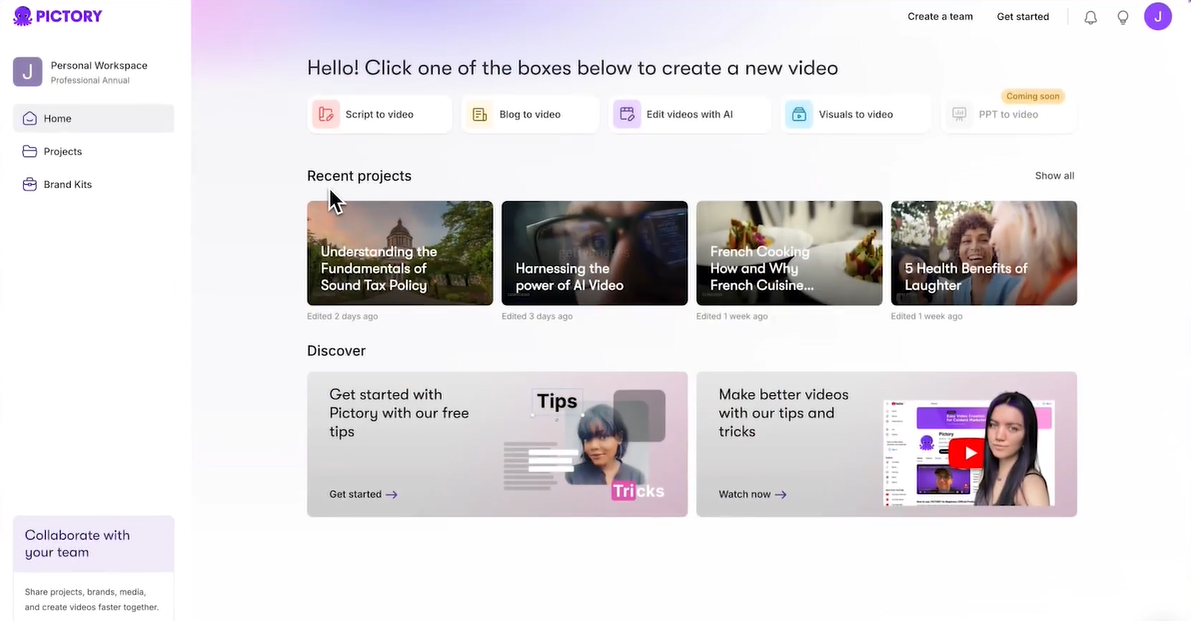
9. Pictory AI
Pictory is an automated video creation platform designed for marketers and content creators to turn long-form content into short, shareable clips. It eliminates the manual labor of video editing by using AI to extract highlights from webinars, blogs, and podcasts.
Key Features
Article-to-Video Generator: Turn blog posts and long articles into short, narrated video summaries by simply providing a URL.
Script-to-Video: Paste your text and let the AI build a complete storyboard with matching stock visuals, music, and voiceovers.
Automatic Captioning: Generate accurate subtitles for your videos to improve accessibility and engagement on social platforms.
Video Summarization: Extract the most important points from long webinars or recordings to create short highlight reels automatically.
Pricing
You can get started for free to create up to three video projects and test the automated editing tools.
Starter plan is $29/mo for 30 videos per month and basic AI voices.
Professional plan is $59/mo for 60 videos and access to premium Getty Images footage.
The Teams plan is $199/mo for 90 videos and multi-user collaboration features.
The Enterprise plan offers custom pricing for personalized onboarding.
Pros
Reduces time spent on manual video editing
User-friendly interface that requires no prior technical skills
Strong stock media library for quick video assembly
Automatic captions improve accessibility for social content
Cons
AI voices can occasionally lack emotional flexibility
Visual matching sometimes selects generic clips
Limited control over precise lip sync editing
10. Elai.io
Elai.io is an AI video generation platform designed for continuous learning and development. It allows organizations to create interactive video content featuring digital human presenters directly from text or slide decks.
Key Features
AI Storyboard: Craft professional training scripts from scratch and turn them into structured video outlines in just a few clicks.
PPTX-to-Video: Upload your PowerPoint files to transform them into video slides with editable components and digital narrators.
Interactive Quizzes: Add knowledge checks and interactive workflows directly into your videos to improve learner engagement and retention.
Automated Translations: Reach a global audience by translating your video content into over 75 languages and 450+ accents in seconds.
Pricing
You can explore Elai.io risk-free with a trial that includes 1 minute of video and access to 80+ avatars.
Creator plan starts at $29/mo for 15 minutes of video and full access to the avatar library.
Team plan is $125/mo for 50 minutes of video and Ultra 4K HD support.
The Enterprise plan offers a custom setup with unlimited users, 3 selfie avatars, and dedicated premium support.
Pros
Effective article-to-video conversion for marketing and training content
User-friendly interface simplifies storyboard-based video creation
Large avatar library with multiple presenter styles
Supports slide-based training video workflows
Cons
Slow rendering during final video editing stages
Pronunciation limits in some AI voices
Limited control over real footage translation workflows
What to Look for in a Video Localization Platform
Expanding your reach requires more than translating words. Professional teams need tools that bridge the gap between AI and human creativity.
The right software helps you:
Maintain editorial control by adjusting translations before you generate.
Ensure visual fidelity by preserving original skin tones and lighting.
Achieve natural lip sync across movement and side profiles.
Provide voice consistency using cloning that keeps the speaker's emotion intact.
Scale production with batch generation and support for videos over 60 seconds.
Choose the Best HeyGen Alternative for Your Business
Choosing the right tool helps you reach more people in their own language. While Synthesia and Colossyan are built for making training videos with digital avatars, LipDub AI uses your real footage to keep the speaker's true emotion. This lets you grow your content globally while making sure you have total control over the final result.