10 Best Video Translation Tools in 2026 for Realistic Lip Sync and Voice Cloning
Compare 10 of the best video translation tools for lip sync and voice cloning. See how LipDub AI, ElevenLabs, and Synthesia differ on control and output quality.
Quick Summary
This guide compares the 10 best video translation tools for realistic lip sync and voice cloning, built for teams localizing live-action content. It reviews LipDub AI, ElevenLabs, and Synthesia across lip sync accuracy, translation control, long-form stability, and workflow speed, so your localized videos keep natural speech, tone, and visual consistency.
Our top three picks are:
LipDub – Blog Table
#
Tool
Best For
1
LipDub AI
Professional live-action localization
2
ElevenLabs
Premium voice cloning and dubbing
3
Synthesia
Structured multilingual video creation
Translation Problems Teams Deal With Across Videos
Many teams start video translation with subtitles or simple voice replacement. The result often sounds flat or slips out of sync in live-action videos. Brand tone changes and facial movement no longer matches speech. These issues show up in marketing videos, interviews, courses, and product demos where viewers expect natural performance.
As your team translates more campaign videos, courses, and product demos, you need tools that stay stable on footage longer than 20-30 seconds and maintain sync in complex scenes with multiple speakers. This guide focuses on video translation tools built for professional live-action localization, consistent voice quality, and accurate lip sync.
Why Listen to Us?
At LipDub AI, our technology is built in-house for professional video translation used in major advertising campaigns, films, and global productions, helping creative networks such as WPP, Hogarth, and Ogilvy. We design for production pipelines with translation editing, expressive voice control, and strict data ownership, so your team keeps quality, control, and consistency across every localized video.
“I’ve used all the platforms — HeyGen, Synthesia, others — and none match LipDub’s quality, especially for longer or more complex scenes. It’s the only one that gives me what I need.”
Best Video Translation Tools in 2026
LipDub – Blog Table
#
Tool
Best For
Pricing
1
LipDub AI
Professional live-action localization
From $205 per year with custom enterprise pricing available.
2
ElevenLabs
Premium voice cloning for translation
Free plan. Paid plans from $4.17 per month billed annually
3
Synthesia
Scripted multilingual training videos
Free plan. Paid plans from $14 per month billed annually
4
HeyGen
Marketing video localization
Free plan. Paid plans from $24 per month billed annually
5
Rask AI
Bulk video translation projects
Free trial. Paid plans from $33 per month billed annually
6
VEED.io
Quick subtitle translation
Paid plans from $9 per month per editor billed yearly
7
Dubverse
Fast AI voice translation
Paid plans from $9 per month billed yearly
8
CAMB.AI
Real-time or broadcast localization
From $55 per year. Higher tiers up to enterprise pricing
9
Sync Labs
API-driven localization pipelines
From $5 per month plus per-second usage pricing
10
Panjaya
Media and broadcast localization
Credit-based pricing. Enterprise and managed service custom pricing
Here is a closer look at each video translation tool.
1. LipDub AI
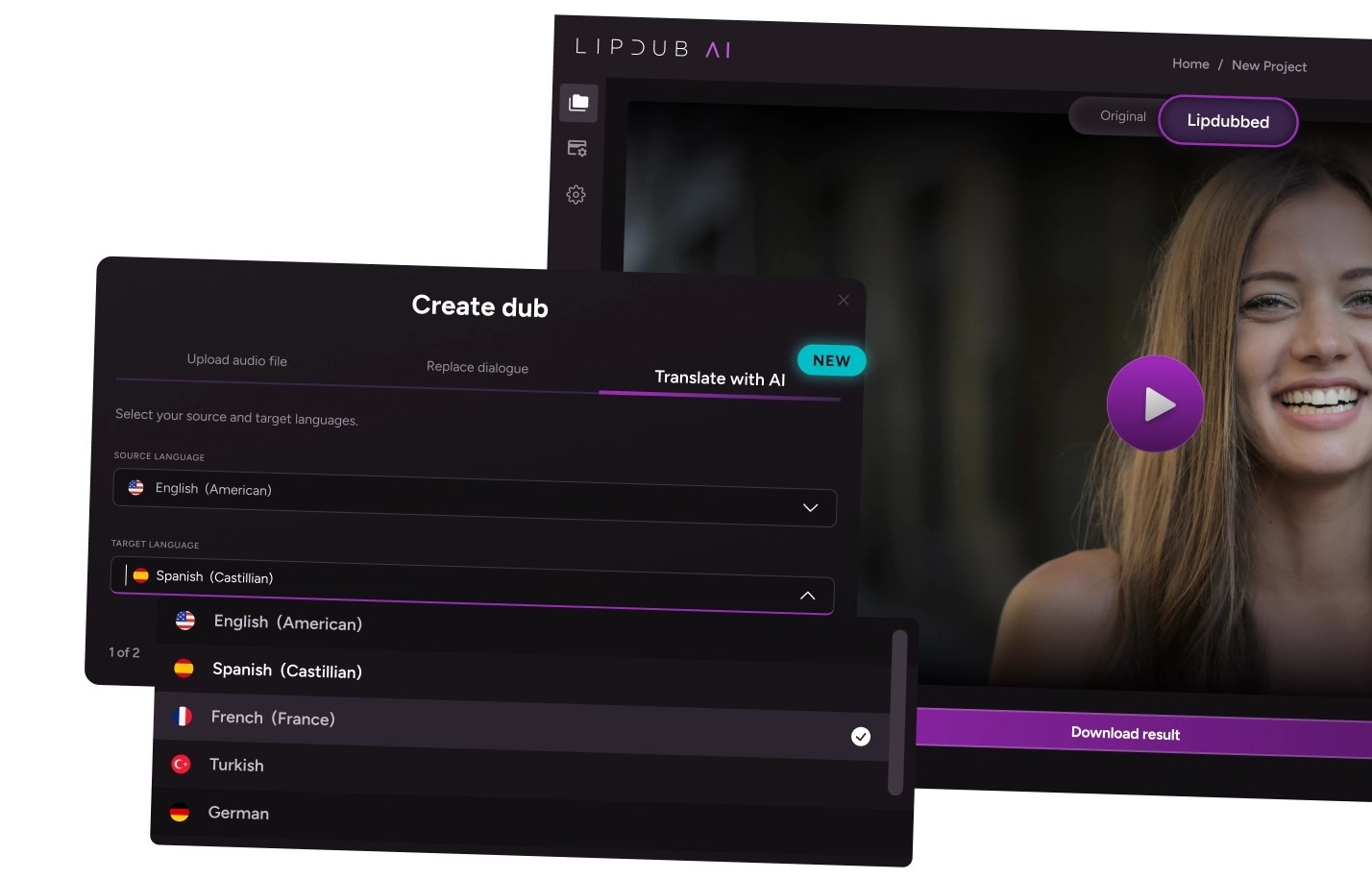
LipDub AI is one of the best video translation tools for teams handling video localization of live-action content that still needs to look like professional production. You can translate campaign videos, global ads, interviews, courses, and product demos while keeping natural voice tone, facial detail, and lip sync. Best for global marketing teams, education teams, and production teams that need consistent quality across short clips and longer videos.
Key Features
Translation Editor: Adjust wording and tone before generating final videos.
Voice Cloning and Voice Library: Keep speaker identity consistent across languages.
Dynamic Lip Sync: Stays aligned in movement, side angles, and multi-speaker scenes.
Long-Form Stability: Maintains quality on videos longer than one minute.
Batch Generation: Create multiple localized versions from one source video.
Custom Vocabulary: Lock brand names and key terms for accurate translation.
Core plan is $29 monthly for 30 credits, giving you up to 15 minutes of translated video content per month.
Growth plan is $99 monthly for 100 credits, giving you up to 50 minutes of translated video per month.
Scale plan is $249 monthly for 250 credits, giving you up to 125min of translated video per month.
The Enterprise plan offers custom pricing based on volume and includes API access along with dedicated support. Check more details on the pricing page.
Pros
High-fidelity translation on real live-action footage.
Strong lip sync in complex and multi-speaker scenes.
Edit translations before generation for ultimate accuracy.
Consistent results on longer videos.
Works well for marketing, courses, interviews and product demos.
Cons
Higher volume projects may require more credits.
Large localization projects require a bit more up front work.
2. ElevenLabs
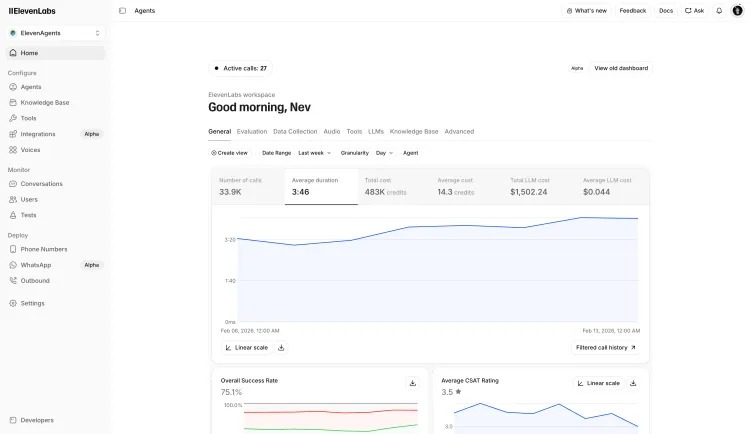
ElevenLabs is a video translation tool focused on preserving voice identity across languages. It works well for teams that need natural sounding multilingual audio for courses, product videos, and marketing content where voice quality matters more than visual lip sync.
Key Features
Voice Cloning: Keeps speaker identity and emotional tone across languages.
Speaker Detection: Separates multiple speakers so each voice stays distinct.
Transcript Editing: Edit transcripts and translations before generating audio.
Background Audio Preservation: Keeps music and sound effects from the original track.
Pricing
Free: $0 per month billed annually. Core voice tools and 3 Studio projects.
Starter: $4.17 per month billed annually. Commercial use and instant voice cloning.
Creator: $18.33 per month billed annually. Professional voice cloning and higher audio quality.
Pro: $82.5 per month billed annually. API audio output and larger credit limits.
Scale: $275 per month billed annually. Team collaboration and 3 workspace seats.
Business: $1,100 per month billed annually. Low-latency voice generation and multiple voice clones.
Strong voice cloning for consistent speaker identity.
Good speaker separation in multi-speaker scenes.
Flexible API for automated translation workflows.
Cons
No native visual lip sync for live-action video.
Requires extra tools for full video editing.
Costs increase quickly on high-volume projects.
3. Synthesia
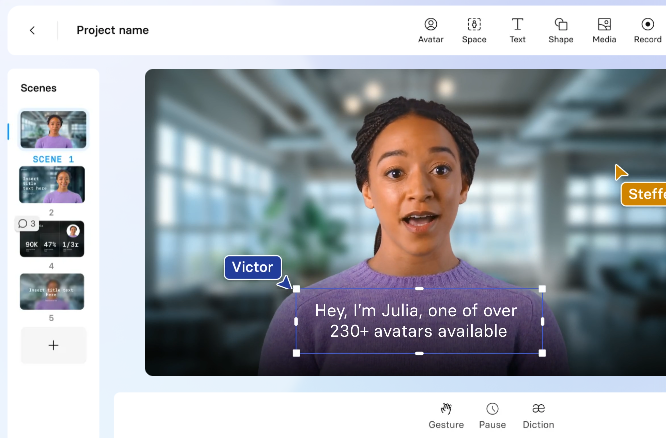
Synthesia is a video translation tool for scripted presenter videos in training and internal content. It works best for learning and development and onboarding workflows, while teams translating live-action campaigns often need tools with stronger lip sync and editing control.
Key Features
AI Avatars: Create presenter videos using stock or custom avatars.
Script to Video: Turn documents into full videos with generated voice and visuals.
One-Click Translation: Translate scripts into many languages with synced avatar speech.
Interactive Video Tools: Add quizzes and branching paths for training content.
Pricing
Free: $0 per month. Limited video minutes and starter avatars.
Starter: $14 per month billed annually. Video downloads and avatar library access.
Creator: $49 per month billed annually. Personal avatars, branded pages, and API access.
Enterprise: Custom pricing. Unlimited minutes, live collaboration, and SCORM export.
Pros
Very consistent presenter style across many videos.
Fast workflow for scripted multilingual content.
Wide language support for training programs.
Interactive tools for structured learning.
Cons
Not built for translating real live-action footage.
Avatar realism can feel artificial in marketing videos.
Lower plans limit video minutes.
4. HeyGen
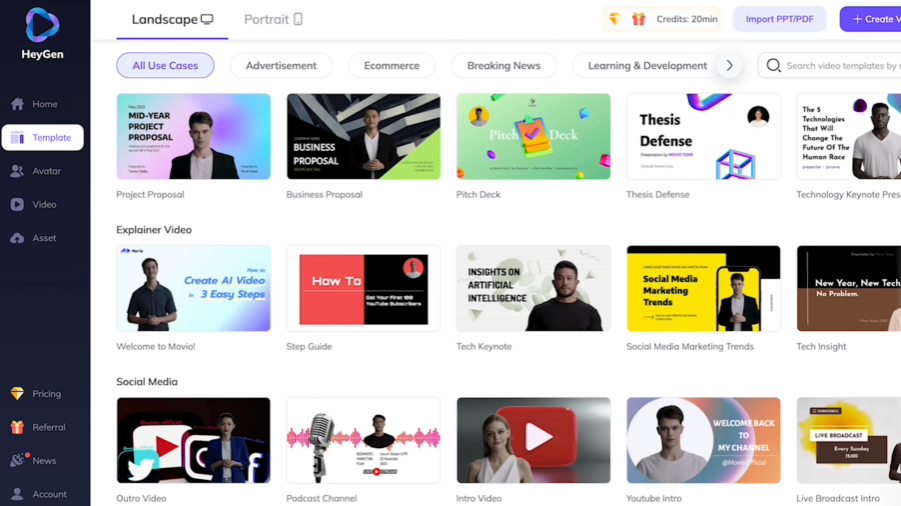
HeyGen is a video translation platform that supports avatar videos and real recorded footage, with strong lip sync for human speakers. It works best for structured marketing and training videos, while complex live-action scenes may need deeper editing control.
Key Features
AI Avatars: Create presenter videos using stock avatars or custom digital twins.
Script-Based Video Creation: Generate full videos from text with built-in voice and visuals.
Video Translation: Translate avatar videos across many languages with synced speech.
Translation Editing: Edit translated scripts before rendering final videos.
Pricing
Free: Limited video minutes and access to stock avatars.
Creator: $24 per month billed annually. Unlimited avatar videos up to 30 minutes and 1080p export.
Pro: $79 per month billed annually. Faster processing, 4K export, and translation editing.
Business: $119 per month billed annually. Longer videos, custom avatars, team collaboration.
Large avatar library for fast multilingual video creation.
Script-based workflow saves filming time.
Good language coverage for marketing videos.
Simple editor for non-technical teams.
Cons
Avatar realism can look stiff in longer scenes.
Lip sync may vary across languages.
Limited control when working with real recorded footage.
5. Rask AI
Rask AI is a video translation tool built for teams handling large volumes of content. It combines transcription, translation, and voice generation in one workflow, which helps creators and companies localize long videos, podcasts, interviews, and training content quickly.
Key Features
Auto Translation: Translate videos into 130+ languages with voice output.
Voice Cloning: Keep speaker identity across languages.
Multi-Speaker Detection: Assign different voices to each speaker automatically.
Long-Form Support: Translate longer videos and podcast-style content.
Pricing
Free Trial: $0. Includes 3 minutes and core editor tools.
Creator: $33 per month billed annually. 25 minutes included and voice cloning.
Creator Pro: $78 per month billed annually. Lip sync, subtitles, and shared workspace.
Business: $600 per month billed annually. Brand voice controls and higher volume processing.
Enterprise: Custom pricing. Dedicated support and tailored usage plans.
Pros
Handles large video libraries efficiently.
Strong language coverage for global content.
Combines transcription and translation in one workflow.
Useful for interviews, podcasts, and panel videos.
Cons
Advanced lip sync limited to higher plans.
Automated voices can sound less natural in some cases.
Limited fine control over translation tone.
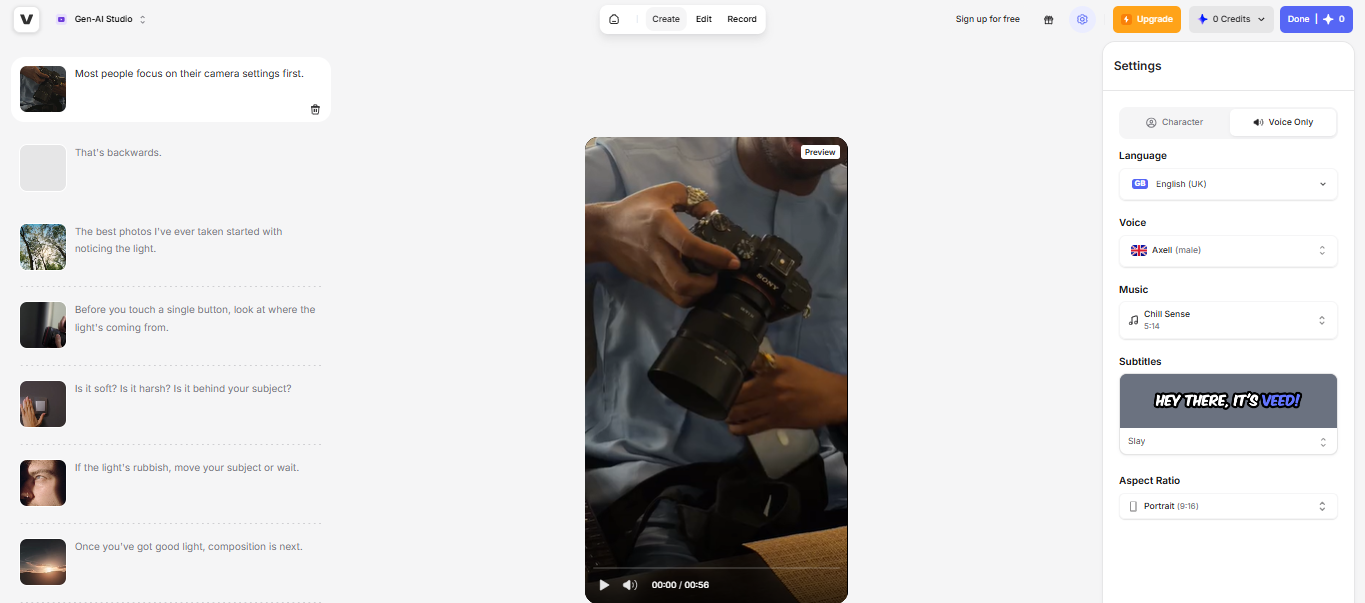
6. VEED.io
VEED.io is a browser-based tool designed for fast edits and subtitle localization. Social media teams and marketing groups use it to translate short videos, add captions, and update content quickly in one editor. It works best for short-form videos and simple localization tasks rather than complex live-action projects that need precise lip sync control.
Key Features
Auto Subtitle Translation: Generate and translate captions in many languages.
Audio Translation: Replace voice tracks with translated audio.
On-Screen Text Editing: Translate titles, captions, and overlays inside the editor.
All-in-One Editor: Trim clips, add stock media, and export in one workflow.
Pricing
Lite: $9 per month per editor billed yearly. Watermark-free videos and subtitle hours.
Pro: $24 per month per editor billed yearly. Unlimited videos in Gen-AI Studio and translation tools.
Enterprise: Custom pricing. Team management, custom templates, and advanced controls.
Pros
Fast subtitle translation for short videos.
Simple browser workflow with no installs.
Useful editing tools in one place.
Good fit for social media localization.
Cons
Lip sync quality is limited for live-action scenes.
Performance can slow on longer videos.
Free plan includes watermark and export limits.
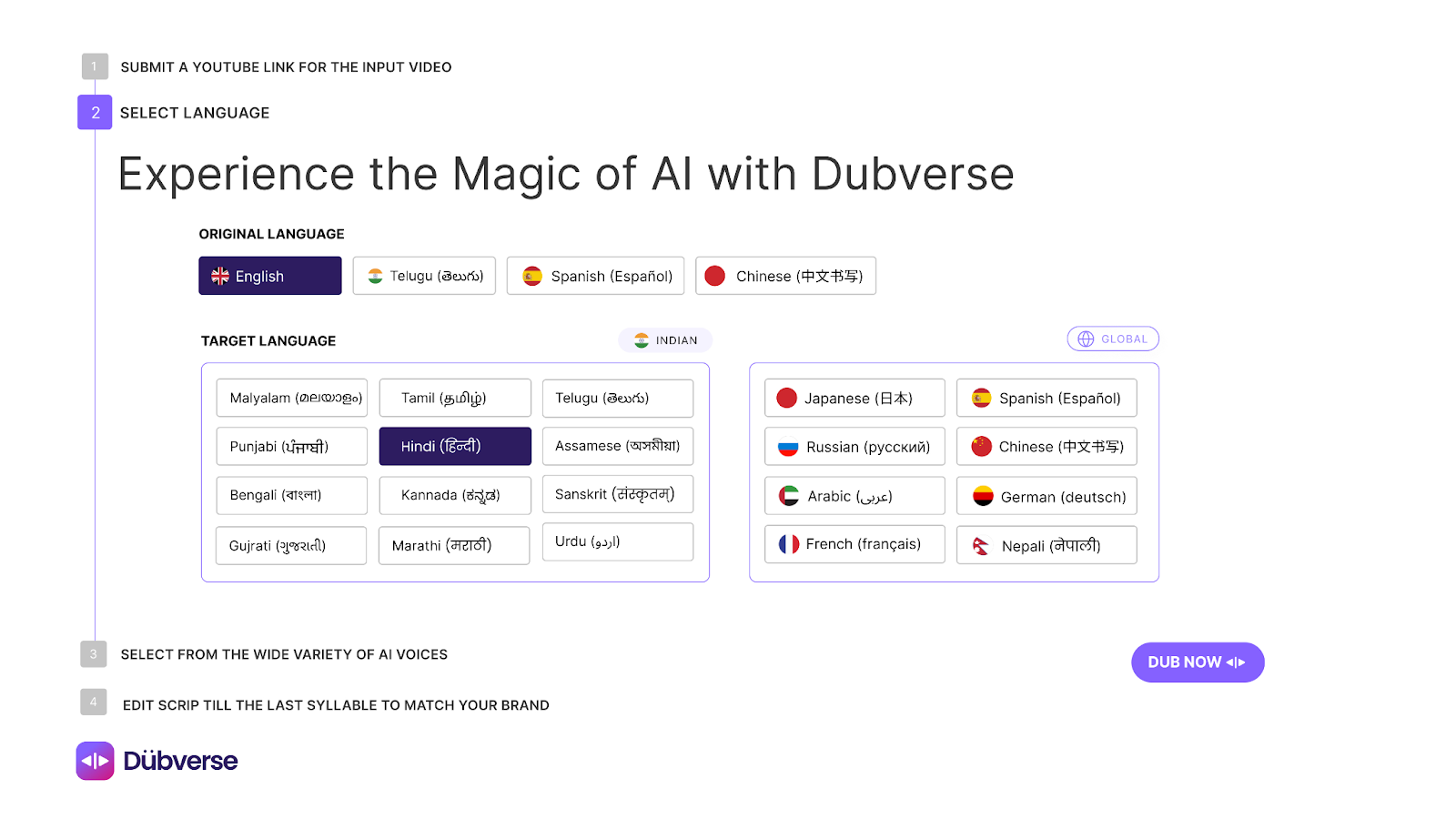
7. Dubverse
Dubverse is built for fast voice translation and subtitle generation. It works well for creators and small teams that need quick multilingual versions of tutorials or social media videos. The platform focuses on speed and simplicity rather than deep editing control for complex live-action production.
Key Features
AI Voice Translation: Generate translated voice tracks in many languages.
Voice Cloning: Keep speaker identity across languages.
Auto Subtitle Translation: Create and sync captions quickly.
Multi-Speaker Support: Detect and assign voices to different speakers.
Pricing
Pro: $9 per month billed yearly. Premium speakers and fast processing.
Supreme: $15 per month billed yearly. Voice cloning and priority processing.
Enterprise: Custom pricing. Custom voice bank, multi-speaker support, and integrations.
Pros
Fast turnaround for short videos.
Simple interface for creators.
Useful subtitle tools for social content.
Affordable entry pricing for small teams.
Cons
Limited control over detailed translation tone.
Lip sync is still developing on many plans.
Not built for complex live-action production.
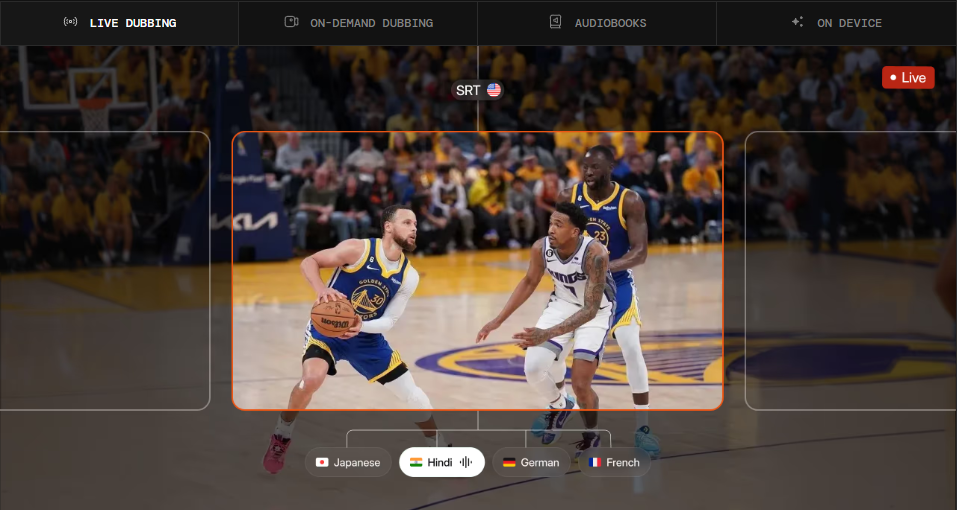
8. CAMB.AI
CAMB.AI is a platform designed for large-scale and real-time localization. It supports organizations that need to translate broadcasts, media libraries, or live events while preserving voice emotion and timing. The platform focuses on vocal accuracy and language coverage across many regions.
Key Features
Voice Cloning Models: Replicate speaker tone and emotion across languages.
Real-Time Translation: Support live streaming and broadcast localization.
Audio Separation: Split dialogue, music, and effects for cleaner editing.
Multi-Speaker Support: Translate conversations with multiple voices.
Pricing
Free: $0 per year. Entry credits for testing AI audio tools.
Essentials: $55 per year. 20k credits per month for basic translation workflows.
Pro: $220 per year. 40k credits per month for creators producing regularly.
Scale: $2,500 per year. 500k credits per month for multilingual production teams.
Business: $9,000 per year. 1.8M credits per month for enterprise localization.
Pros
Handles large multilingual video libraries.
Supports live translation for events.
Strong voice emotion preservation.
Good multi-speaker translation support.
Cons
Advanced workflows often require enterprise setup.
The interface can feel complex for small teams.
Setup and onboarding can take time for new users.
9. Sync Labs
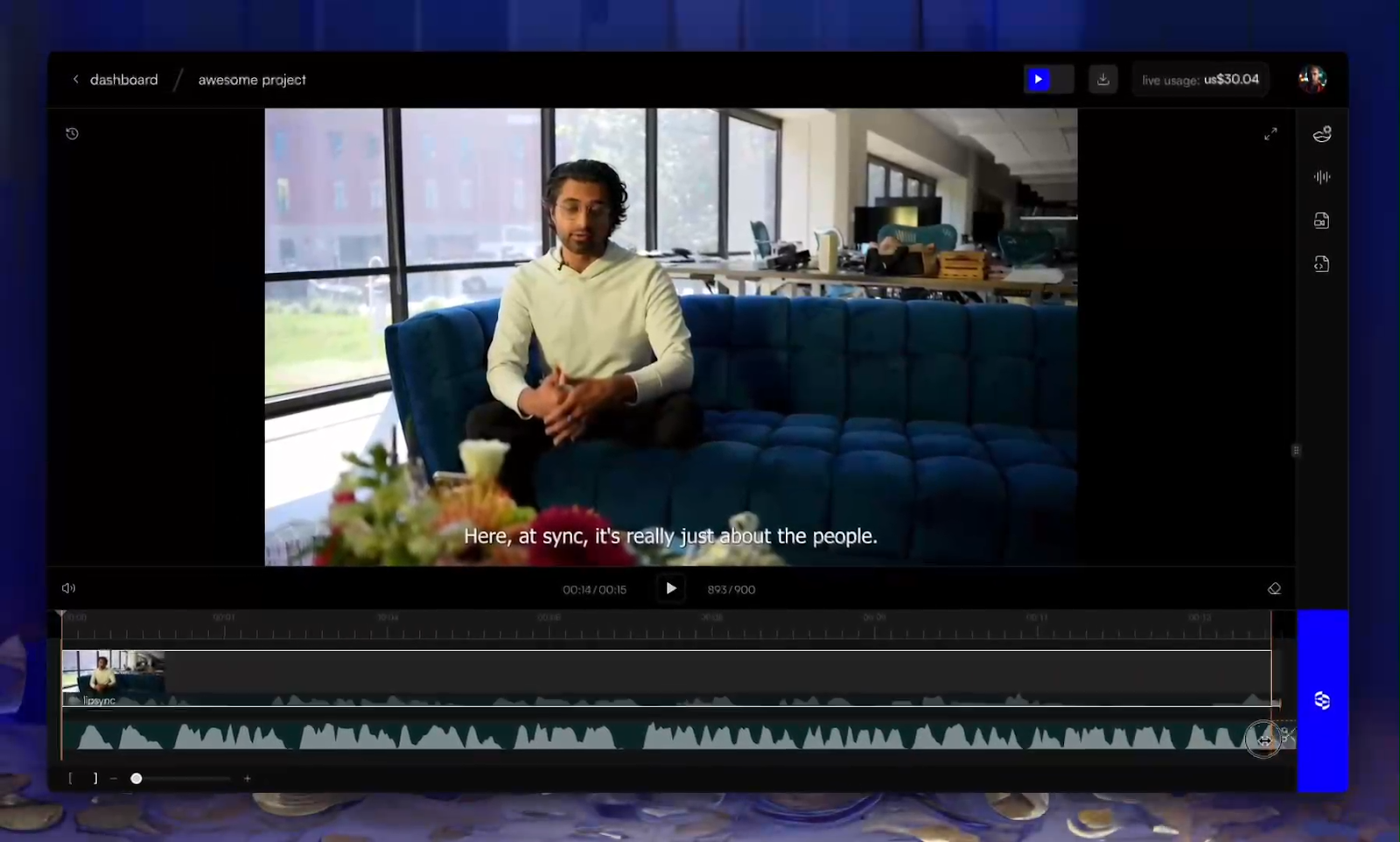
Sync Labs is a translation and video lip sync platform built for developers and production teams that need precise audio-to-video alignment inside custom workflows. It fits teams building localization pipelines, editing tools, or large-scale media automation.
Key Features
Real-Time Sync API: Align translated audio with video instantly.
Zero-Shot Lip Sync: Generate natural mouth movement without training on each speaker.
Active Speaker Detection: Apply sync only to the correct person in group scenes.
4K Output Support: Maintain quality for studio and broadcast content.
Pricing
Sync Labs uses usage-based pricing with monthly platform fees plus per-second processing costs.
Hobbyist: $5 per month + $0.05 per second. Generate videos up to 1 minute. Clone up to 3 voices. API access and LipSync Studio.
Creator: $19 per month + $0.05 per second. Generate videos up to 5 minutes. Clone up to 5 voices. Active speaker detection. No watermark.
Growth: $49 per month + $0.0475 per second. Generate videos up to 10 minutes. Clone up to 15 voices. Team workspaces included.
Scale: $249 per month + $0.04 per second. Generate videos up to 30 minutes. Clone up to 50 voices. Batch API and priority support.
Pros
Very accurate lip sync on translated dialogue.
Fits into custom pipelines through API access.
Handles multi-speaker scenes well.
Supports high-resolution video output.
Cons
Requires developer setup and technical resources.
Costs increase with high-volume processing.
Limited built-in editing tools for non-technical teams.
10. Panjaya
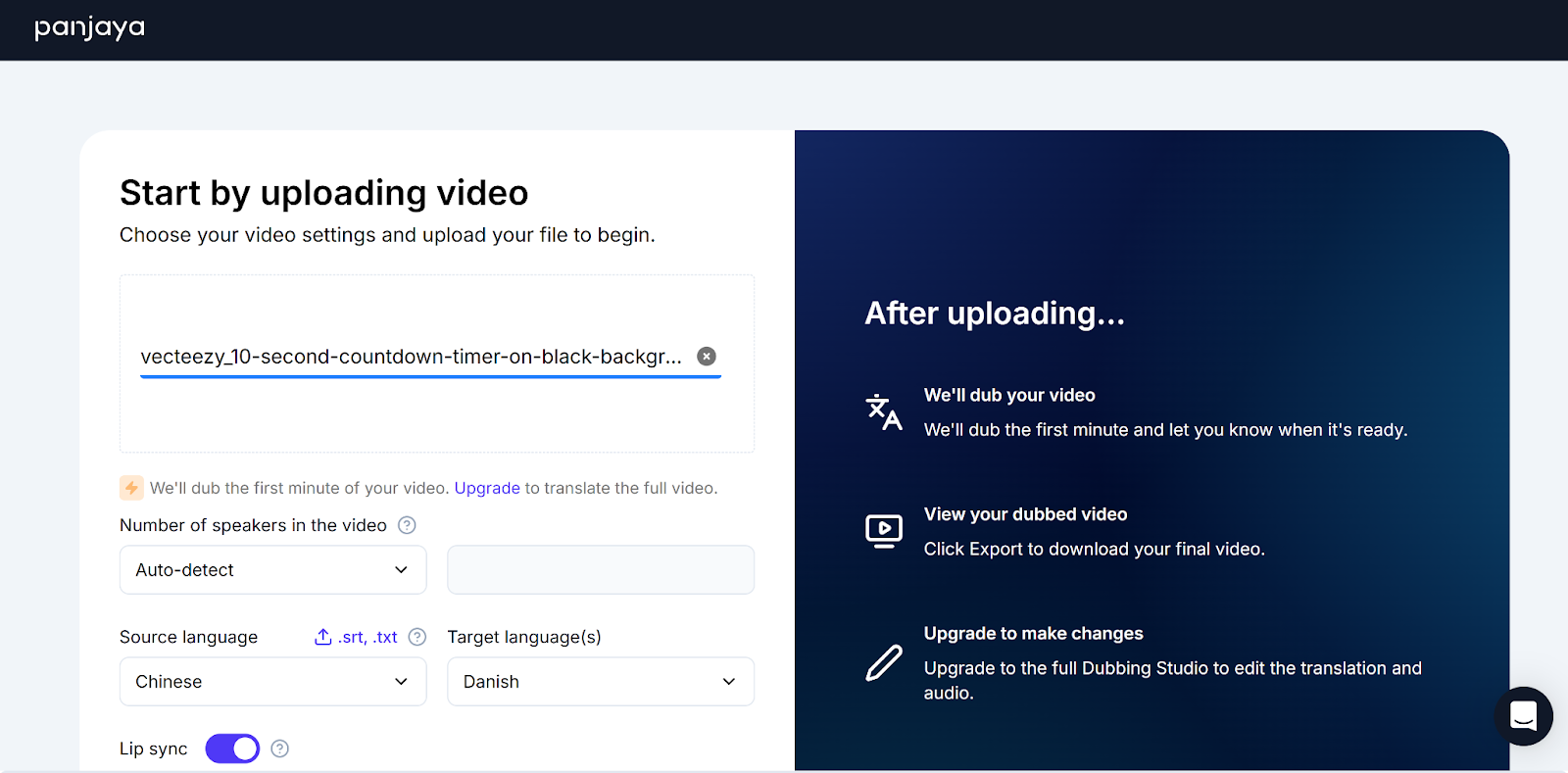
Panjaya is a video translation platform built for media and broadcast, and large content teams that need expressive localization across complex footage. It focuses on matching speech timing, facial movement, and body gestures so translated videos keep the original performance.
Key Features
Body Movement Sync: Align speech, lips, and gestures with translated dialogue.
Voice Cloning: Preserve speaker tone and delivery across languages.
Translation Editor: Adjust wording and timing before final output.
Multi-Speaker Support: Handle interviews and panel videos accurately.
Pricing
Panjaya uses credit-based pricing for self-serve workflows, with enterprise and managed service plans priced through sales.
Free Trial: Free. Limited lip sync minutes with watermark and 35+ languages.
Pay-As-You-Go: From $25 credit bundles. Includes dubbing studio access, translation editing, and export options.
Managed Services: Custom pricing. End-to-end localization handled by Panjaya specialists.
Pros
Strong sync across speech timing and gestures.
Works well on complex media footage.
Supports high-volume localization pipelines.
Offers human review options for sensitive content.
Cons
Best suited for larger production teams.
Setup can take time for complex workflows.
Costs vary based on project volume and service level.
What to Look for in Video Translation Tools
Choosing a video translation tool is about how natural the final video feels, not just how many languages it supports. Teams working on campaign videos, courses, and product demos need results that hold up in real production.
Here is what to look out for.
Accurate lip sync that keeps mouth movement natural in side angles, fast motion, and multi-speaker scenes.
Natural voice cloning that preserves tone, emotion, and pacing across languages.
A clear translation editing workflow that lets teams adjust wording, brand terms, and timing before export.
Stable long-form output that maintains quality on longer videos like courses or demos.
Reliable multi-speaker handling that keeps each voice clear and correctly synced.
Workflow fit that connects with batch processing, APIs, or existing production tools.
Predictable pricing that stays manageable as localization volume grows.
Which Video Translation Tool Is Best for Your Team?
Think about the kind of videos you translate and how natural they must look. Avatar tools like Synthesia or HeyGen fit scripted training content. ElevenLabs works when voice realism matters most. Teams translating campaign footage or course libraries usually need tools built for live-action localization with strong lip sync and editing control. LipDub AI fits that need while keeping performance natural on complex scenes and longer videos.