Create Better AI Videos in 2026: 10 Best VEED Alternatives for High-Quality Video Editing
Compare 10 VEED alternatives in 2026 to find the best AI video editing tool for realistic avatars, natural voice, multilingual content, and scalable production.
Quick Summary
VEED works well for quick social and marketing videos, but many teams need stronger control over voice quality, avatar realism, and editing accuracy. This guide compares 10 VEED alternatives for marketing teams, educators, and content producers. We review LipDub AI, Descript, Camtasia, and others based on editing control, AI voice quality, scalability, and pricing so you can choose a tool that fits your production goals.
Here are our top three picks:
LipDub – Blog Table
#
Tool
Best For
1
LipDub AI
AI-driven dialogue editing and realistic multilingual video adaptation
2
Descript
Script-based video editing with built-in transcription
3
Camtasia
Screen recording and structured training video production
When Your Workflow Requires More Editing Control
Many teams begin with VEED because it is simple and quick to use. Over time, you may run into limits with editing control, voice quality, or long-form video support. You might need tools that let you refine scripts before rendering, keep voices consistent across languages, or manage larger video projects without slowing down.
This guide looks at VEED alternatives that solve those problems in different ways. We focus on editing flexibility, stable output, voice quality, and workflow fit so you can compare tools based on what your production needs.
Why Listen to Us?
At LipDub AI, we work with many of the top global marketing agencies, brands, and entertainment studios to solve complex video production challenges. Each month, we engage with hundreds of production leaders who explain to us where standard browser editors fall short. Our proprietary technology was built for the highest level of production, offering reliable quality, clear editing control, and secure workflows for teams producing high-value video content.
Comparison of 10 Best VEED Alternatives
LipDub – Blog Table
#
Tool
Best For
Key Strength
Pricing
1
LipDub AI
Teams making multilingual or personalized videos
Keeps voice, lip sync, and visuals consistent; edit translations before generating
Starting from $19/month
2
Descript
Video and audio creators
Edit video like text; AI co-editor helps generate content quickly
Free / $24/month
3
Camtasia
Tutorial and training videos
Combines screen recording with video editing; AI audio tools
Starting from $39/year, annual billing only
4
Synthesia
Enterprise video content teams
Realistic AI avatars; text-to-video in multiple languages
Starting from $29/month
5
ngram AI
Marketing and social content creators
Turns documents or links into videos; storyboard before rendering
Free / $29/month
6
Pictory AI
Marketers turning long content into short videos
Converts articles or scripts into videos; automatic captions
Free / $29/month
7
InVideo AI
Social media and marketing teams
Text-to-video with avatars and templates; collaboration tools
Free / $60/month
8
Quso.ai
Social media managers
Short clips from long videos; schedule and manage posts
Free / $24/month
9
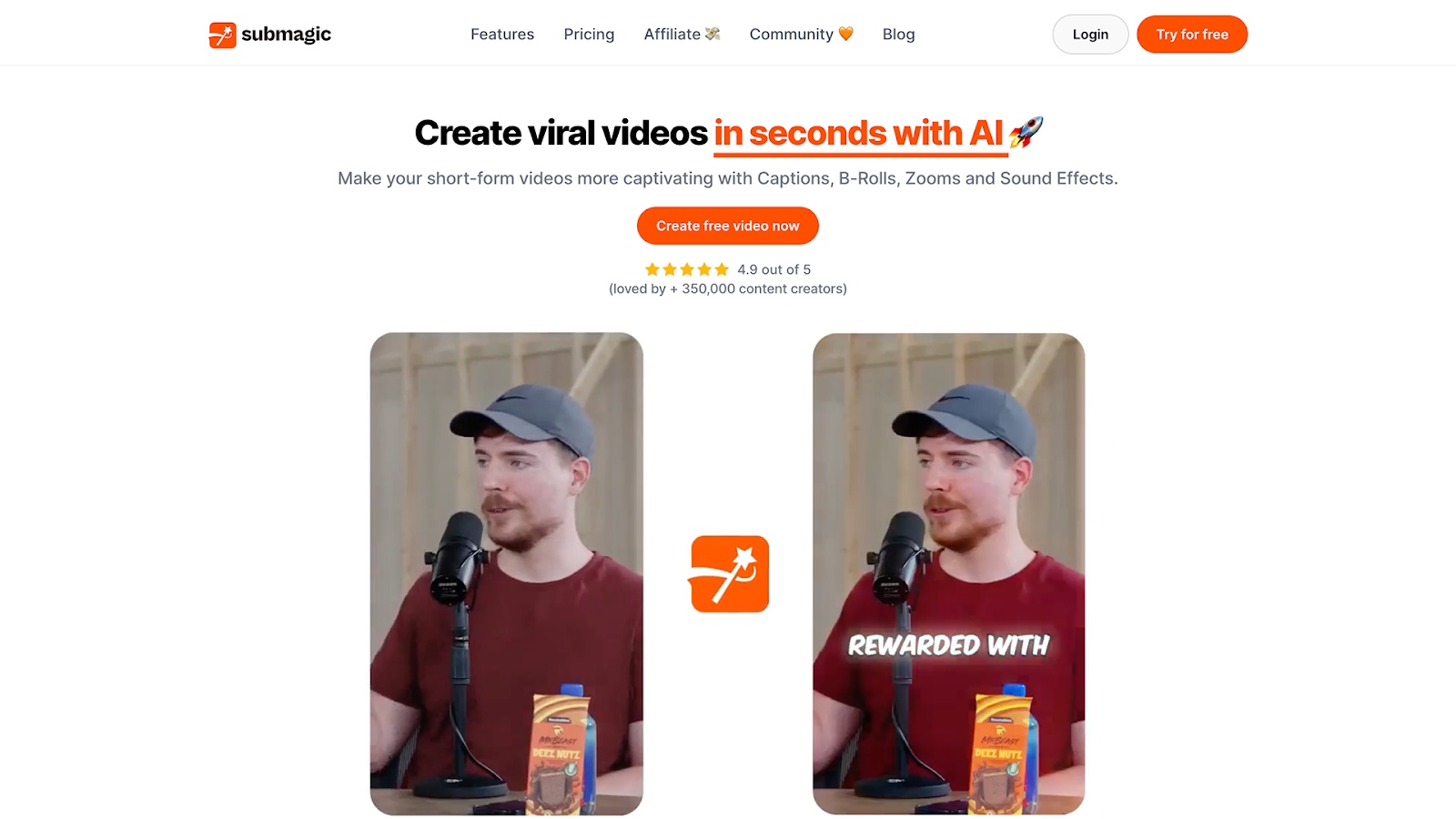
Submagic
Content creators for short-form videos
Automatically clips, captions, and creates shorts; brand workspace
Starting from $19/month
10
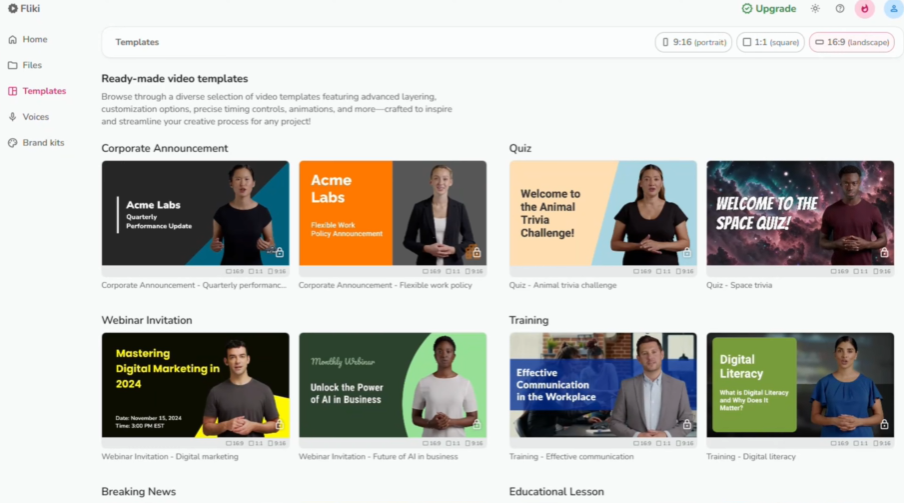
Fliki
Script-based video creators
AI voiceovers, avatars, and voice cloning; multiple languages
Free / $28/month
1. LipDub AI
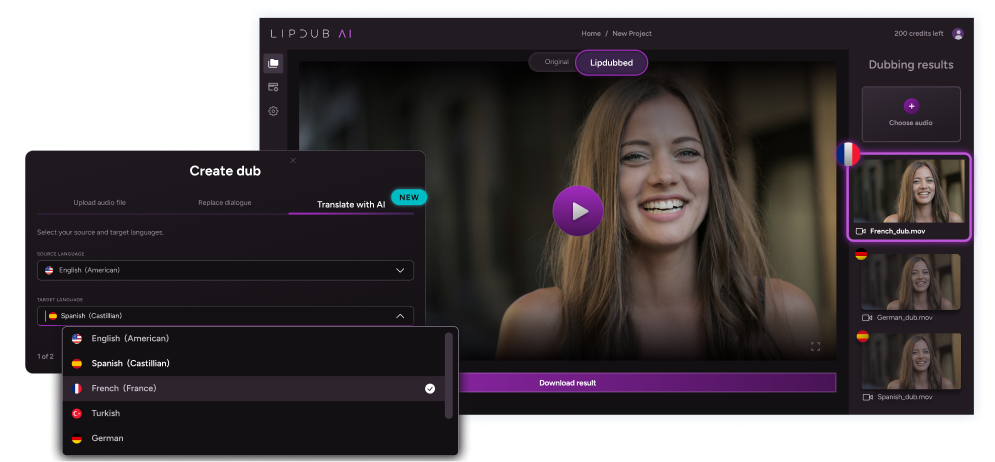
LipDub AI is a video-to-video tool that lets teams translate, refine, or personalize videos without losing realism or emotion. It keeps voice, lip sync, and visual quality consistent, even in longer videos, while giving you full control over scripts and translations.
Key Features
Translation Editor: Lets you adjust translations before generating the video so the tone, meaning, and context stay accurate.
Voice Cloning: Keeps the same voice across multiple languages, making your videos consistent without recording new audio every time.
Dialogue Replacement: Allows swapping lines, calls to action, or messages without reshooting, saving time and resources.
Batch Generation: Lets you create hundreds of localized or personalized video versions quickly, useful for scaling campaigns or courses.
Dynamic Movement Tracking: Ensures lip sync and visual alignment stay accurate even when people move, change posture, or lighting varies in the video.
Pricing
LipDub AI – Pricing
Basic
/ month
Get started with:
✓
✓Single-actor workflows
✓HD video uploads
Light
/ month
Everything in Basic, plus:
✓
✓Higher usage flexibility
✓Single-actor HD dubbing
Starter
POPULAR
/ month
Everything in Light, plus:
✓
✓Multi-actor workflows
✓HD dubbing + translated audio
Creator
/ month
Everything in Starter, plus:
✓
✓Ideal for teams & studios
✓HD & 4K support
Pro
/ month
Everything in Creator, plus:
✓
✓High-volume, multi-language pipelines
✓HD & 4K at scale
Enterprise
Custombased on volume
For serious scale:
✓Custom credit bundles & discounts
✓API, SSO & advanced integrations
✓Dedicated support & SLAs
Pricing above includes monthly or yearly platform access and credits.
4K pricing is available on Creator & Pro via custom quote.
Try for free with no commitment then you have the following subscription options:
Core plan is $29 per month and includes 30 credits, giving you up to 15 minutes of lip-synced video content.
Growth plan is $99 monthly for 100 credits, giving you up to 50 minutes of lip-synced video content.
Scale plan is $249 monthly for 250 credits, giving you up to 125 minutes of lip-synced video content.
The Enterprise plan offers custom pricing based on volume and includes API access along with dedicated support. Check more details on the pricing page
Pros
Keeps facial detail and lighting consistent in translated videos
Handles multi-speaker scenes without breaking lip sync
Supports long videos where many tools lose quality
Gives full editorial control before rendering final output
Keeps client content private and not used for training
Cons
Some advanced features require some experience with professional video production
Works with existing video footage, so it does not create scenes or avatars from text
2. Descript
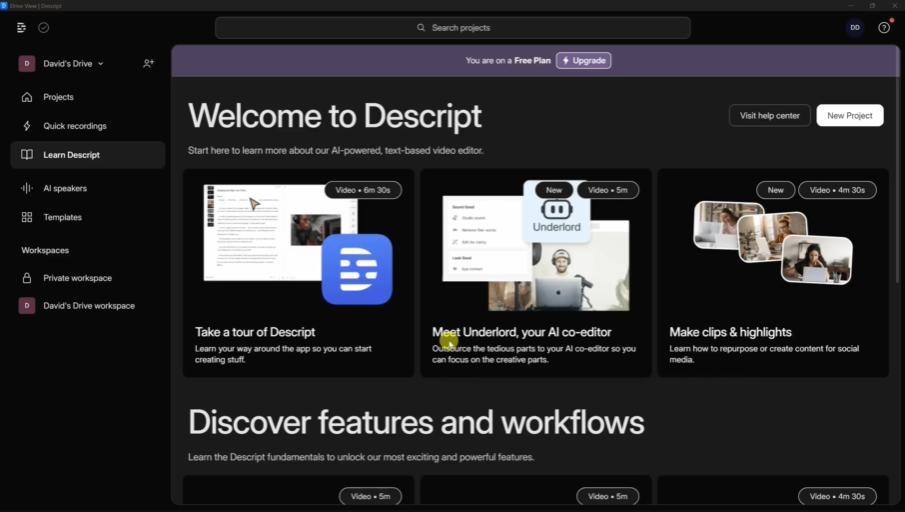
Descript is a video and audio editing tool that makes creating content simple, even for beginners. Its AI co-editor, Underlord, helps generate, edit, and design videos based on your script or ideas. You can edit video as easily as text, and it includes built-in tools for transcription, captions, and voice adjustments.
Key Features
Text-Based Editing: Edit your video by changing text, just like editing a document, making it easy to fix mistakes or restructure content.
AI Co-Editor (Underlord): Generates or edits videos based on your prompts and feedback, helping you create professional results faster.
Studio Sound: Removes background noise and enhances voice quality automatically, so you don’t need special microphones.
Translation & Captions: Transcribe, add captions, and translate content into multiple languages to reach a wider audience.
Pricing
Hobbyist: $24/month per person — 10 media hours, 400 AI credits, and 1080p watermark-free exports.
Creator: $35/month per person — 30 media hours, 800 AI credits, 4K watermark-free exports, and full access to AI tools.
Business: $65/month per person — 40 media hours, 1,500 AI credits, team-wide Brand Studio access, video translation in 30+ languages, and priority support.
Enterprise: Custom pricing — Tailored solutions, custom media/credits, and enterprise-grade security for large teams.
Pros
Editing video by changing text makes quick fixes easier for non-editors.
Built-in transcription and captions reduce the need for extra tools.
Studio Sound helps clean audio without a complex recording setup.
Script-based editing helps teams restructure videos faster.
Cons
Some AI tools need time to learn for first-time users.
Higher-quality exports require upgrading to paid plans.
Large projects can use up media hours and credits quickly.
3. Camtasia
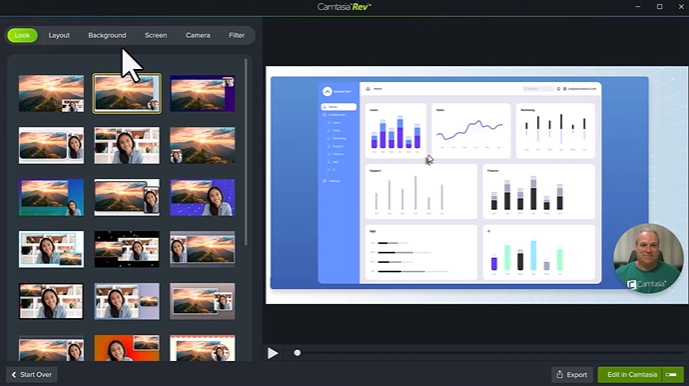
Camtasia is a video editor and screen recorder that combines traditional timeline editing with AI-powered tools. It lets teams produce professional-looking videos for tutorials, marketing, and learning, while simplifying tasks like transcription, script generation, and text-to-speech.
Key Features
Screen Record: Capture your camera, microphone, and screen simultaneously to create tutorials and walkthroughs.
Script-to-Video: Generate editable video drafts from simple text prompts, speeding up video production.
AI Audio Tools: Remove background noise, adjust voice, and add text-to-speech for consistent audio quality.
Interactive Elements: Add quizzes or SCORM-compliant components to increase engagement and track completion.
Pricing
Camtasia does not offer monthly subscriptions. All plans are billed annually based on the level of video editing and AI features required.
Starter: $39/year — Basic screen capture and image editing.
Essentials: $179.88/year — Professional video/audio editing, speech-to-text transcription.
Create: $249/year — AI video creation, multi-language support.
Pro: $599/year — Advanced production with 49 avatar styles and professional audio translation.
Business: $198/user/year — Teams up to 99 users, transferrable licenses.
Pros
Strong screen recording tools make tutorial and demo videos easier to produce.
Traditional timeline editing gives more control for detailed video projects.
Built-in quizzes and SCORM export support structured training content.
Yearly pricing can be predictable for teams planning long-term budgets.
Cons
Most plans are billed yearly, which may not suit small monthly budgets.
The interface can feel complex for beginners learning video editing.
Rendering and large projects can slow down on lower-spec computers.
4. Synthesia
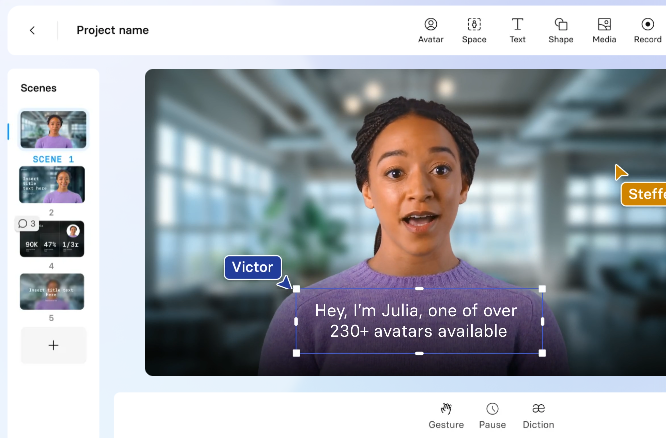
Synthesia is an enterprise-grade AI video platform that turns text into professional, studio-quality videos directly in your browser. It uses realistic AI avatars and text-to-speech technology to help teams create consistent, engaging content.
Key Features
Expressive AI Avatars: Choose from 240+ avatars that perform scripts with realistic gestures and facial expressions.
1-Click Translation: Translate video scripts instantly and sync them with the avatar’s lip movements in over 160 languages.
AI Video Assistant: Automatically turn documents, website links, or text ideas into full video drafts.
Interactive Video Elements: Add clickable triggers, branching paths, or quizzes to increase engagement and learning.
Pricing
Starter: $29/month — 10 minutes per month, 1 editor seat.
Creator: $89/month — 30 minutes per month, 5 personal avatars.
Large avatar library to help keep presenter style consistent across videos
Browser-based workflow makes it easy for teams to start without setup
Script-to-video process speeds up internal training content creation
Interactive elements support quizzes and structured learning videos
Cons
Avatar customization options are limited for brand-specific needs
Lip movements may not match speech perfectly in every language
Video minutes in lower plans can limit larger content projects
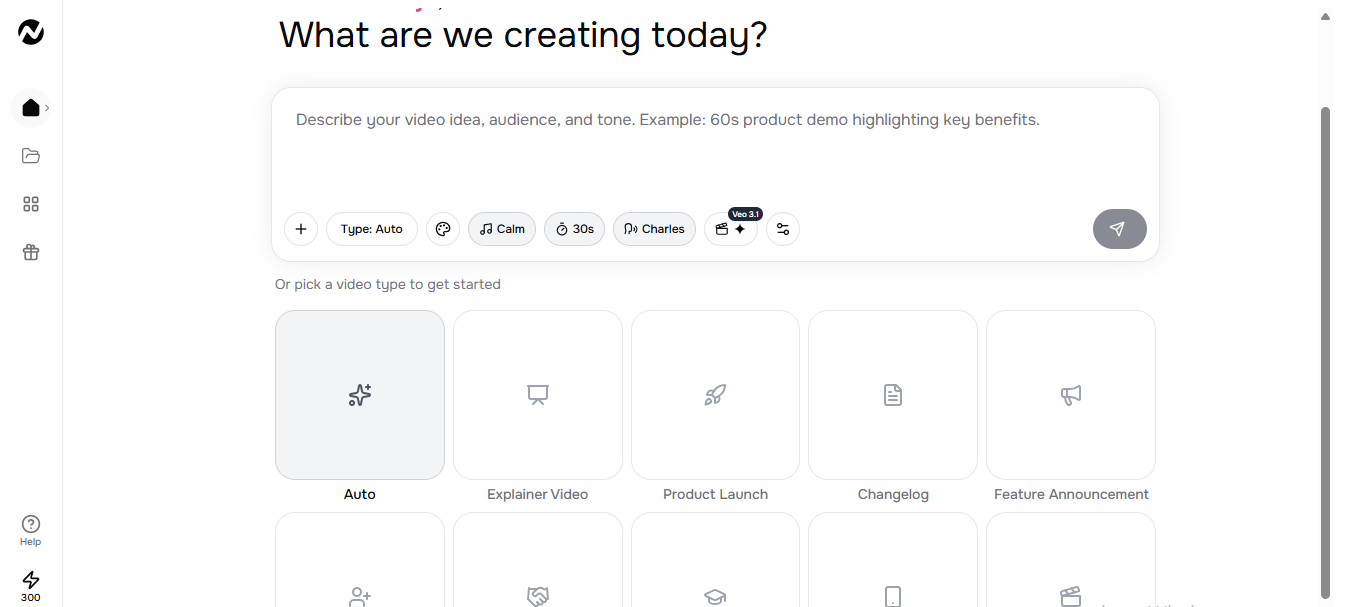
5. ngram AI
ngram AI helps teams turn ideas, documents, links, or screencasts into polished, professional videos. It handles research, storyboarding, scripting, voiceover, and editing while letting you stay in control. Videos stay on-brand, well-paced, and suited for social, product demos, onboarding, or marketing content.
Key Features
Script + Storyboard First: Lets you see the plan before rendering, so you can steer the story and structure.
Any Asset In: Accepts text, images, PDFs, URLs, and screen recordings to turn existing content into video.
Screen Recording Magic Edit: Automatically cuts dead air, zooms on clicks, emphasizes cursors, and adds step labels.
On-Brand by Default: Ensures colors, fonts, logos, and intros/outros stay consistent across all videos.
Pricing
Free: $0 — 300 credits, 30-second AI video generation, 720p export with watermark.
Basic: $29/month — 1,800 credits, 3-minute AI video generation, unlimited text generation, 720p export, no watermark.
Premium: $59/month — 3,600 credits, 6-minute AI video generation, unlimited text, image, and audio generation, 1080p & 4K export, 1 BrandKit.
Pro: $299/month — 18,000 credits, 30-minute AI video generation, unlimited text, image, and audio generation, 1080p & 4K export, unlimited BrandKits.
Pros
Script and storyboard preview help plan videos before rendering
Supports many input formats, so teams can reuse existing content
Brand settings keep colors, fonts, and layouts consistent across videos
Automated edits help clean screen recordings without manual trimming
Cons
Free and lower plans limit video length and export quality
Credit system can restrict large video production projects.
Advanced editing features require learning the interface for full control
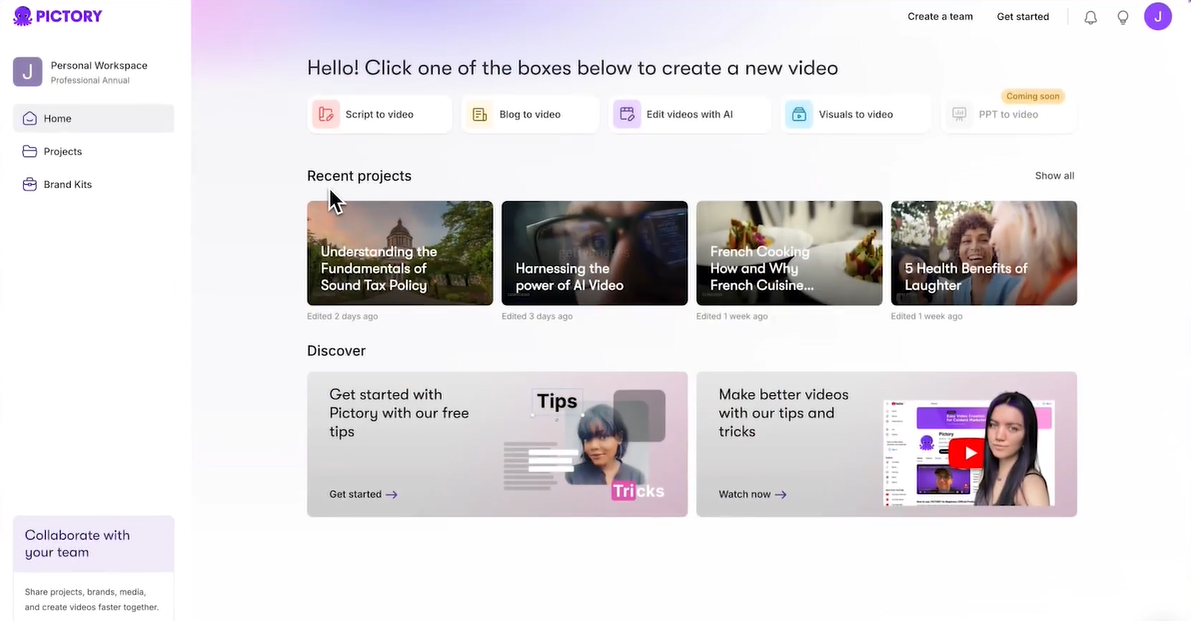
6. Pictory AI
Pictory AI is an automated video creation tool that helps marketers and content creators turn long-form content into short, shareable videos. It uses AI to generate videos from articles, scripts, and recordings while maintaining a professional look.
Key Features
Article-to-Video Generator: Converts blog posts and long articles into narrated video summaries using a URL.
Script-to-Video: Builds a storyboard from text and pairs it with stock visuals, music, and voiceovers.
Video Summarization: Extracts key points from long recordings to create short highlight clips automatically.
Automatic Captioning: Generates accurate subtitles for videos to enhance accessibility and engagement.
Pricing
Free: Up to three video projects to test automated editing tools.
Starter: $29/month — 30 videos per month with basic AI voices.
Professional: $59/month — 60 videos per month with access to premium Getty Images footage.
Teams: $199/month — 90 videos per month with multi-user collaboration features.
Enterprise: Custom — Personalized onboarding and high-volume options.
Pros
Turns blog posts and scripts into videos without manual editing
Clean interface reduces the time spent learning editing tools
Automatic captions save time on subtitle creation
Video summaries help repurpose long recordings into short clips
Cons
AI voices can sound robotic in longer videos
Stock visuals may look generic without manual changes
Monthly video limits can restrict high-volume production
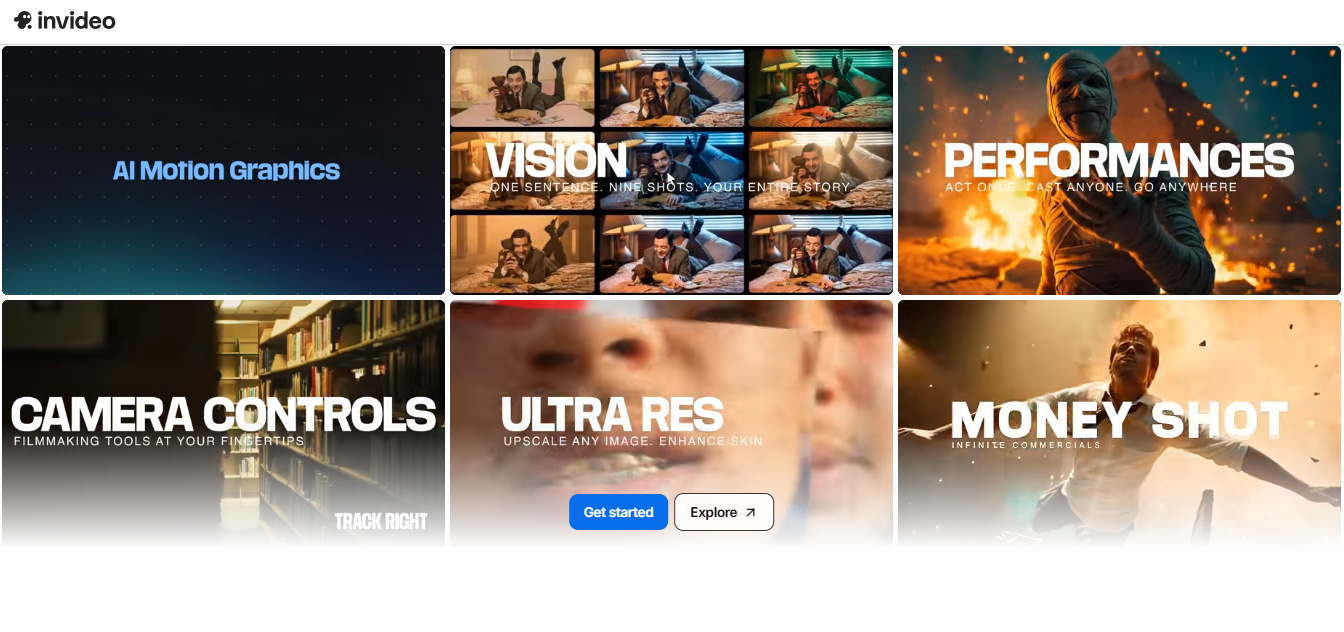
7. InVideo AI
InVideo AI is a platform for creating and editing videos from text or ideas. It supports a range of video types, including ads, explainers, stories, and short films, while giving options for customization and avatar control.
Key Features
Text-to-Video: Converts written text into videos with avatars and visual elements.
AI Text-to-Speech: Generates natural-sounding voiceovers with adjustable pitch, speed, and emotion.
Templates and Animations: Provides ready-made templates and allows animating text, images, and icons.
Collaboration Tools: Lets teams review, comment, and edit video drafts together.
Pricing
Free: $0 — 2 video minutes/week, 1 AI credit, 1 express avatar, 4 exports/week, InVideo watermark.
Plus: $35/month — 50 video minutes, 10 credits, 2 UGC product asset ads, 30-second generative videos, 3 users, 100GB storage.
Max: $60/month — 200 video minutes, 40 credits, 8 UGC product asset ads, 120-second generative videos, 3 users, 400GB storage.
Clear layout helps new users follow the editing steps
Large template library can speed up marketing video production
Text-to-video workflow reduces time spent on manual editing
Team collaboration tools support shared video projects
Cons
Performance can slow during peak usage times
Generative video credits can run out on large projects
Free plan limits export quality and video length
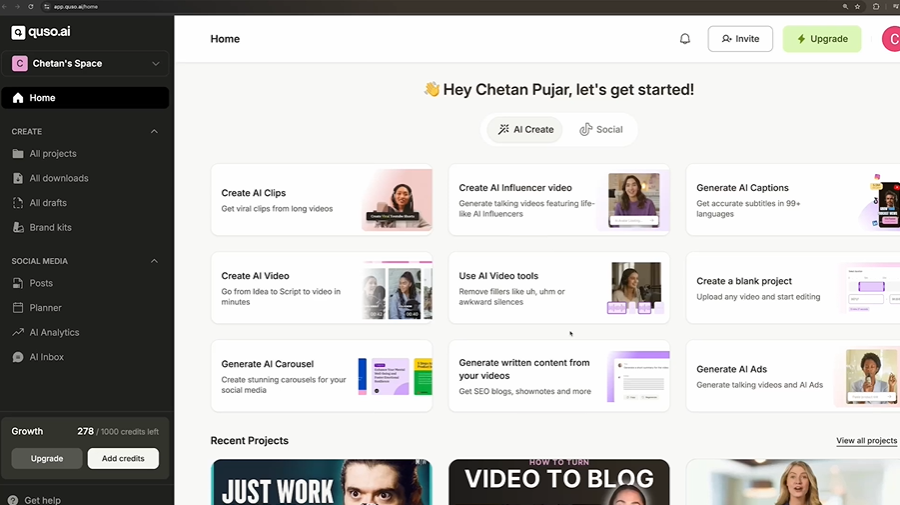
8. Quso.ai
Quso.ai is an AI-powered platform for social media content creation and management. It helps users turn long videos into short clips, add captions, schedule posts, and manage multiple social accounts, all from one dashboard.
Key Features
AI Clips Generator: Automatically creates short clips from long videos to use across social platforms.
AI Content Repurposing: Produces multiple content variations from the same video, saving time and increasing reach.
AI Subtitle Generator: Adds captions and subtitles with different styles to make videos more accessible and engaging.
Social Media Scheduler: Lets you schedule and post content across several social platforms directly from the platform.
Pricing
Free: $0/month — 75 credits, 720p renders, AI clips & captions, direct TikTok publishing, watermark included.
Lite: $24/month — AI video generator, resizing, full HD exports, unlimited 1080p exports.
Essential: $32/month — Everything in Lite plus access to premium AI tools, AI filler removal, AI content planner, 1-click schedule to 7 platforms.
Growth (Popular): $40/month — Everything in Essential plus unlimited social post scheduling, bulk publishing, advanced analytics, custom templates, priority support.
Pros
Automatically creates short clips from long videos for social posts
Built-in scheduler helps manage posts across multiple platforms
Caption tools improve accessibility and viewer engagement
Repurposing features create many content variations quickly
Cons
The free plan adds watermarks and limits render quality
Credit limits can affect high-volume social media production
Some features, like bulk publishing and analytics, are only available in higher-tier plans
9. Submagic
Submagic is an AI tool designed to turn long videos into viral short-form content quickly. It automates editing, captions, and clips, helping teams and creators produce more content faster while keeping quality high.
Key Features
Magic Clips: Automatically extracts key moments from videos to create multiple shorts instantly.
Auto Captions: Generates captions in 48 languages to boost engagement and retention.
AI Avatars: Creates videos without filming, using AI-generated characters for consistent content.
Brand Workspace: Lets teams collaborate, edit, and publish videos while maintaining brand consistency.
Pricing
Starter: $19/member/month — 15 videos (max 2 min), auto captions, free B-rolls & audio, export in 1080p/30 FPS.
Business + API: $69/member/month — 100 videos (max 30 min), export in 4K/60 FPS, custom templates, logos & brand assets, priority support & API access.
Add-on: +$19/member/month — Unlimited clips from long videos with AI.
Pros
Automatically extracts short clips from longer videos for quick posts
Caption tools help add subtitles without manual editing
Simple interface makes short-form editing easier for beginners
Brand workspace helps teams keep style consistent across videos
Cons
Lower-tier plans limit video length and number of clips
Rendering can be slow on large or complex files
Export delays may affect tight content schedules
10. Fliki
Fliki is a text-to-video and text-to-speech platform that transforms scripts, blogs, PPTs, or product pages into videos with realistic AI voices. It supports multiple languages, AI avatars, and voice cloning, helping teams produce engaging content efficiently.
Key Features
AI Voiceover: Choose from 2,500+ realistic voices and translate into 80+ languages.
AI Avatars: Add faces and personality to videos without casting actors.
PPT to Video: Convert presentations into videos quickly.
Voice Cloning: Replicate your own voice or multiple voices for consistent output.
Pricing
Free: $0 — 5 minutes of credits, 300 voices, 80+ languages, HD 720p, Fliki watermark.
Standard: $28/month — 180 minutes of credits, 1,000 voices, full HD 1080p, voice cloning, no watermark.
Premium: $88/month — 600 minutes of credits, 2,000+ voices, videos up to 40 minutes, multiple avatars and voice cloning.
Text-to-video workflow helps create videos from scripts quickly
Large voice library supports different accents and styles
Simple interface makes video creation easier for beginners
Supports presentations and blog content without new filming
Cons
Free plan credit limits restrict regular video production
The credit system can limit large or frequent projects
Some features, like multiple avatars and advanced voice cloning, are only in higher-tier plans
What to Look for in VEED Alternatives
Not every AI video editor offers the same level of control or output quality. If you are moving away from VEED, focus on tools that give you predictable results and help you avoid unnecessary corrections later.
Here’s what you should look out for:
Editing control before rendering the final output.
Natural voice quality and stable lip sync on longer videos.
Support for multi-speaker scenes and batch production.
Clear data ownership and privacy policies.
Export quality suitable for client or broadcast use.
Choose a VEED Alternative for Your Production Needs
The right VEED alternative comes down to the type of content you produce and how much control you need over voice, visuals, and translations. Some platforms focus on fast script editing or screen recording, while others prioritize avatar-led content. If your priority is scaling multilingual or personalized AI videos without compromising voice quality or visual realism, LipDub AI is built to support that level of precision and consistency.