10 Best Vidyard Alternatives for Personalized Video in 2026
Compare 10 Vidyard alternatives for high-quality video personalization at scale. See how LipDub AI, Loom, and HeyGen differ on workflow, quality, and pricing.
Quick Summary
This guide compares 10 Vidyard alternatives for teams sending personalized video at scale, including LipDub AI, Loom, and HeyGen. You will see how each tool handles video quality, localization, editing control, workflow speed, and pricing so your outreach stays personal, accurate, and ready for global audiences.
Here are our top three Vidyard alternatives:
LipDub – Blog Table
#
Tool
Best For
Key Strength
1
LipDub AI
Scaling both personalized and localized videos
High-fidelity results with full editorial control
2
Loom
Fast internal or simple sales videos
Quick recording and sharing workflows
3
HeyGen
Avatar-led personalized outreach
Scripted video generation with voice options
Scaling Personalized Outreach With Better Video Tools
Vidyard helps teams record sales videos, track viewer activity, and personalize outreach at scale. Many teams start there for prospecting, onboarding, or customer updates. As video needs grow, teams often require stronger localization, deeper editing control, or higher visual quality for global campaigns and more professional production.
Growing sales, customer success, and marketing teams also look for clearer pricing as usage expands. This guide compares leading Vidyard alternatives that support personalized outreach, multilingual video workflows, and high-quality localization so you can choose with clear expectations.
Why Listen to Us?
LipDub AI supports personalized and localized video across all use cases but we’re also known for use in major advertising campaigns, films, and global productions, working with creative networks such as WPP, Hogarth, and Ogilvy, and studios like HBO and Lionsgate. We build tools for real production workflows, and unlike other tools, your content is never used for model training, so quality, control, and data ownership stay with your team.
Top Vidyard Alternatives for Personalized Video
LipDub – Blog Table
#
Tool
Best For
Key Strength
Starting Price
1
LipDub AI
Personalized video with or without localization
High-fidelity results with full editing control
$205 per year
2
HeyGen
Avatar-based personalized videos
Fast scripted video generation
$24 per month billed annually
3
Loom
Quick async team videos
Instant screen recording and sharing
$180 per year
4
Synthesia
Training and L&D videos
Scalable AI presenter videos
$14 per month billed annually
5
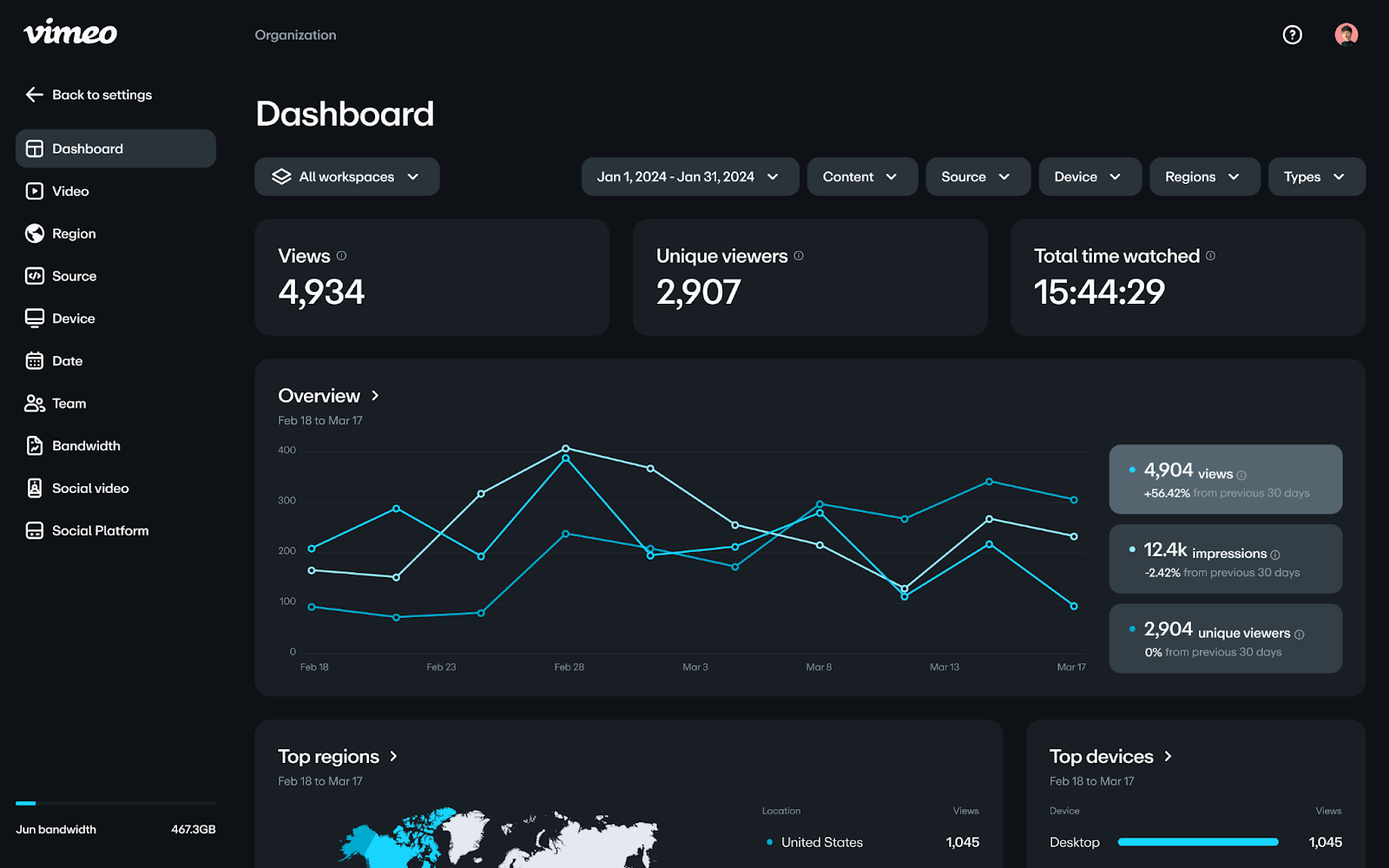
Vimeo
High-quality video hosting
Reliable hosting and live streaming
$12 per month billed annually
6
Camtasia
Polished tutorials
Advanced screen editing tools
$39 per year
7
Dubb
Automated sales videos
CTA landing pages and CRM sync
$42 per year billed annually
8
Wistia
Website marketing videos
Brand player with viewer heatmaps
$79 per month billed annually
9
Hippo Video
Enterprise sales outreach
Deep CRM personalization tools
$20 per user per month billed annually
10
BombBomb
Relationship video email
Simple video messaging workflows
$36 per user per month billed annually
Let’s go into each tool in detail.
1. LipDub AI
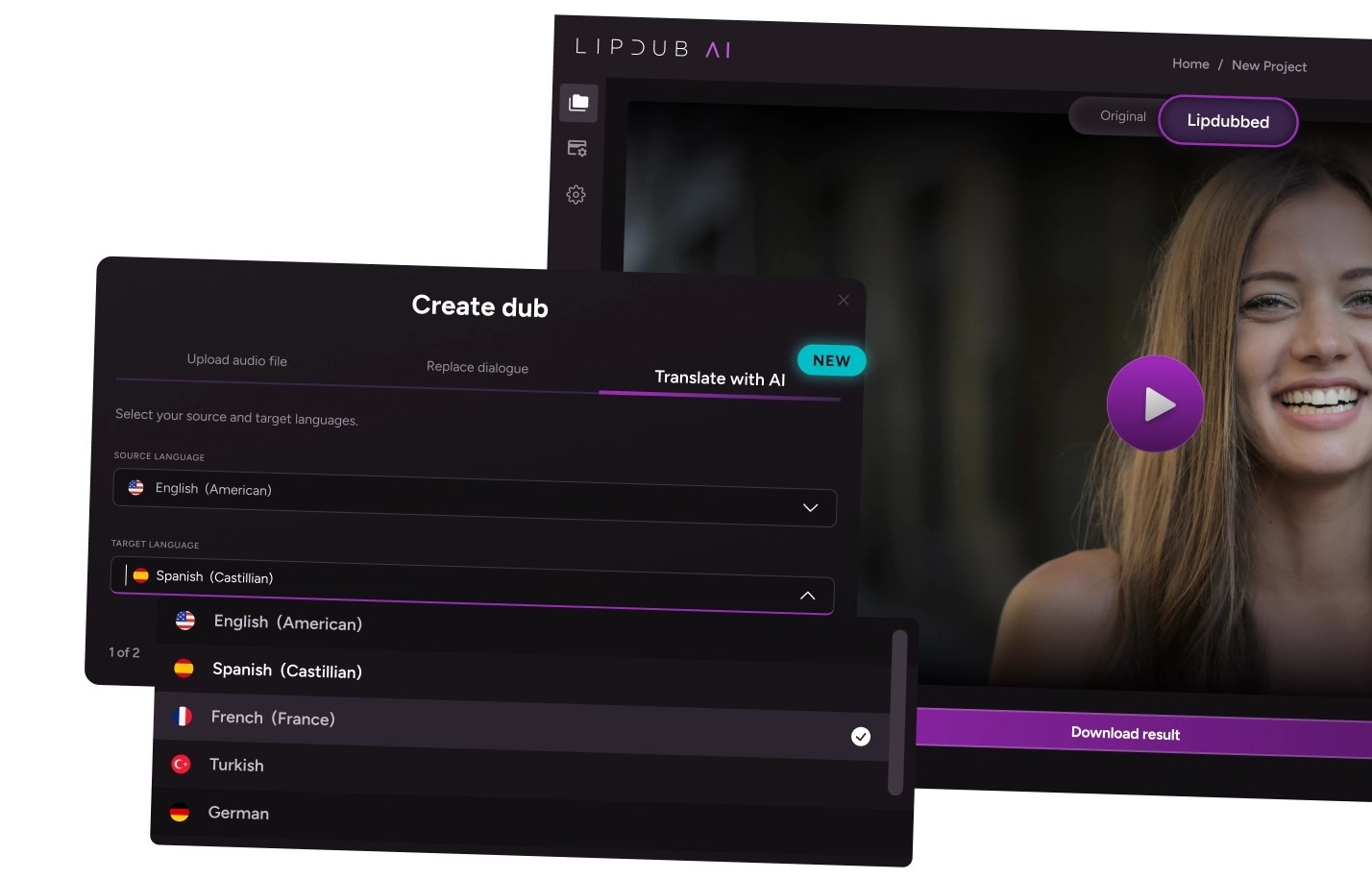
LipDub AI is a Vidyard alternative built for teams that need personalized videos that still look completely real. You can record once, generate hundreds of 1-to-1 videos and keep natural voice, tone, and expression. You can also localize videos at the same high quality. It works well for sales outreach, ABM campaigns, customer updates, and multilingual video programs that require consistent quality.
Key Features
Real Personalization: Record once and generate many 1-to-1 videos with natural voice and expression.
Accurate Translation: Translate videos with voice cloning and precise lip sync.
Script Editing: Edit dialogue or translations before generating final videos.
Batch Generation: Create hundreds of videos from CRM or CSV data.
Multi-Speaker Sync: Keep lip sync accurate across multiple speakers and long videos.
LipDub AI’s pricing plans scale by credits and volume with free trial available:
Core plan is $29 per month and includes 30 credits, giving you up to 60 personalized videos.
Growth plan is $99 monthly for 100 credits, giving you up to 200 personalized videos.
Scale plan is $249 monthly for 250 credits, giving you up to 500 personalized videos.
The Enterprise plan offers custom pricing based on volume and includes API access along with dedicated support. Check more details on the pricing page.
Pros
Realistic personalized video with your real face and voice.
Strong localization quality for global campaigns.
Editing control before final output.
Supports longer or more complex live-action footage.
Fits outbound, ABM, and customer marketing workflows.
Cons
Higher volume projects may need more credits or higher-tier plans.
Requires planning before large personalization campaigns.
“What I like very much about LipDub is that, for me, it's the best product. When you translate, it adapts much better than the others. Most lip sync tools look obviously AI. This doesn’t.”
2. HeyGen
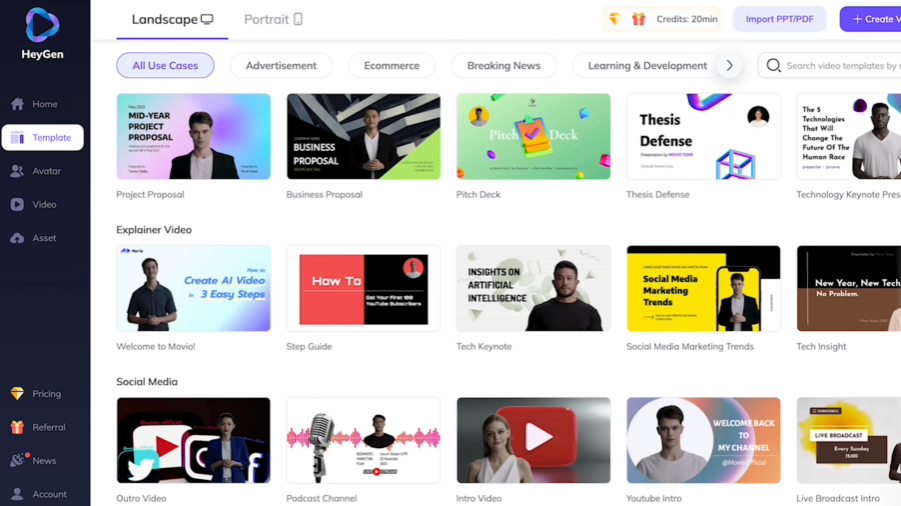
HeyGen is an AI video generator focused on avatar-based personalized video. It helps teams create scripted presenter videos fast, which works well for marketing clips, product explainers, and training content that does not require filming each message.
Key Features
AI Avatars: Create presenter videos using stock avatars or custom digital twins.
Text to Video: Generate videos from scripts with built-in voice and visuals.
Video Translation: Localize avatar videos across many languages quickly.
Studio Editor: Edit scripts and scenes with a simple text-based workflow.
Pricing
HeyGen offers monthly and yearly plans, and the prices below reflect annual billing.
Free: Limited videos each month. Includes short video length and access to stock avatars.
Creator: $24 per month billed annually. Includes unlimited avatar videos up to 30 minutes, voice cloning, a brand kit, and 1080p export.
Pro: $79 per month billed annually. Adds faster processing, 4K export, and translation script editing.
Business: $119 per month billed annually. Adds longer videos, custom digital twins, team collaboration, SSO, and integrations.
Enterprise: Custom pricing. Includes unlimited duration videos, advanced security, onboarding support, and a dedicated success manager.
Pros
Large avatar library for fast video creation.
Script-based workflow saves recording time.
Wide language support for localization.
Easy editor for non-technical users.
Cons
Avatar realism can look stiff in long scenes.
Lip sync varies across languages.
Limited control over real recorded footage edits.
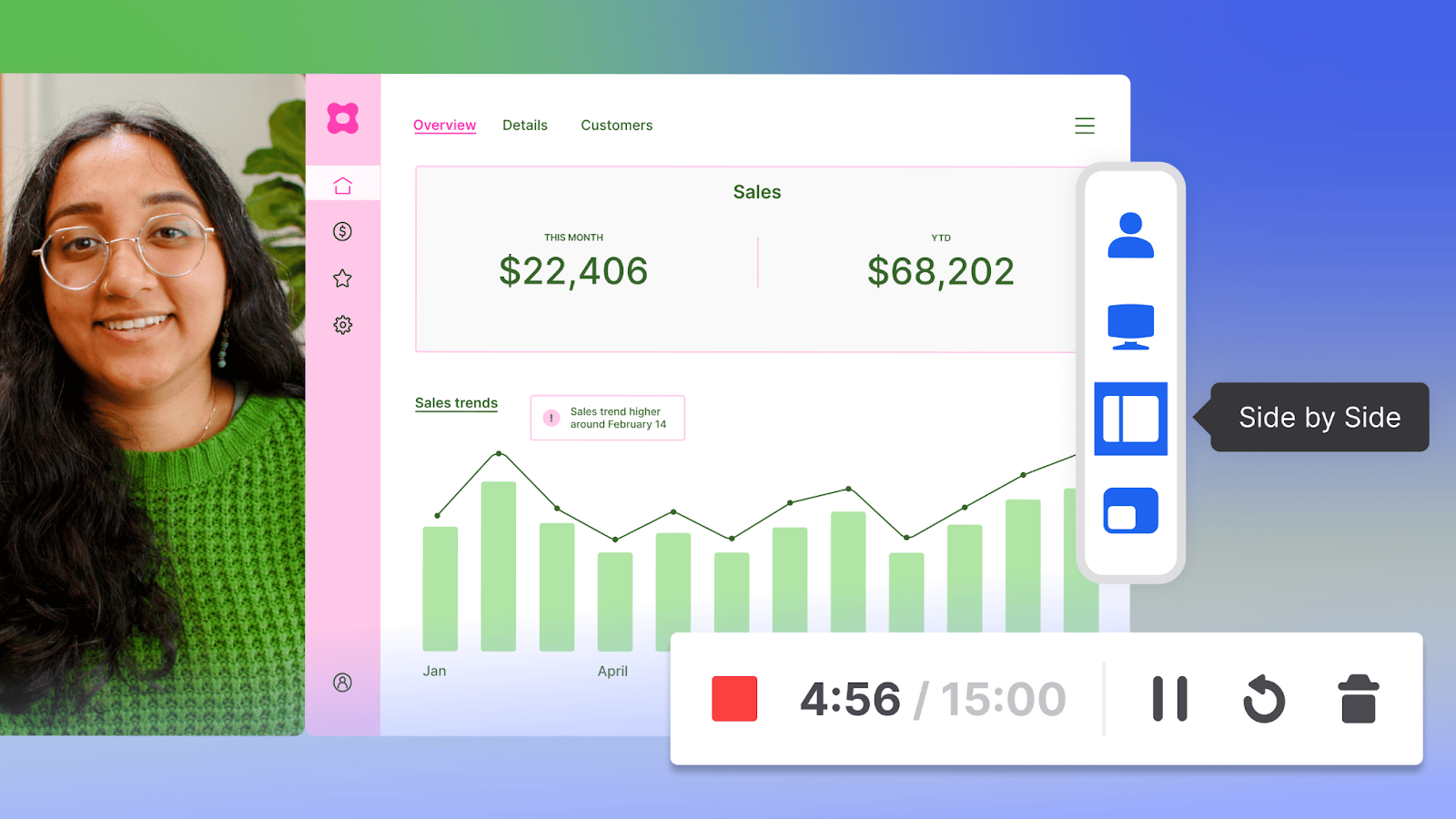
3. Loom
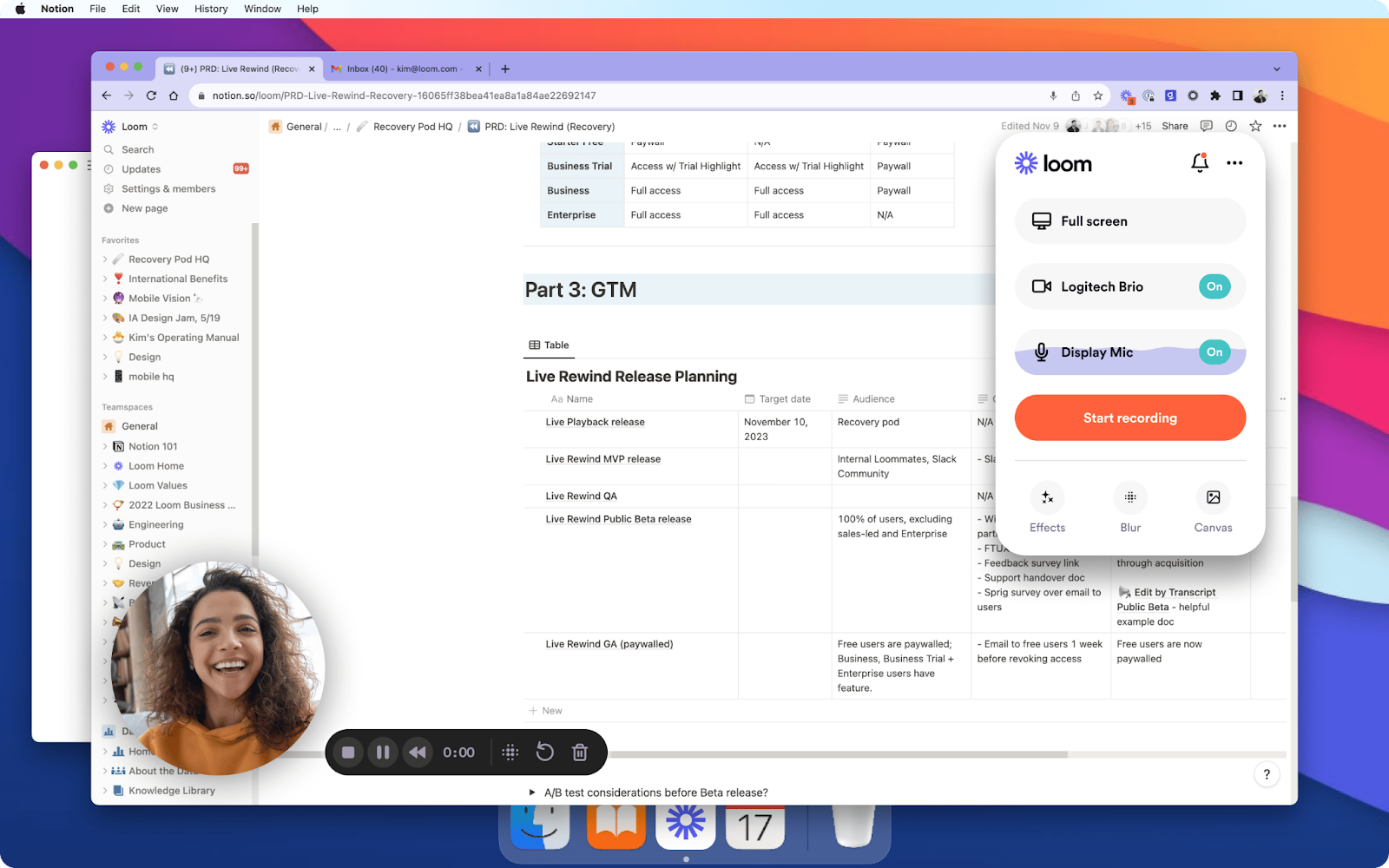
Loom is a Vidyard alternative built for quick async video messages. It works well for internal updates, product walkthroughs, customer support replies, and simple sales follow-ups where speed matters more than production polish. Teams use it to replace meetings with short screen recordings and fast explanations.
Key Features
Screen Recording: Capture your screen and camera together in a few clicks so you can explain ideas or workflows quickly.
Quick Sharing: Share videos instantly with a link or embed them in tools like Slack, email, or CRM platforms.
Simple Editing: Trim clips, stitch scenes, and add highlights so short recordings stay clear and focused.
AI Notes: Generate titles, chapters, and meeting summaries automatically to make videos easier to review.
Pricing
Loom offers free and paid plans, with the prices below based on annual billing for 1 user.
Starter: $0 per year. Includes limited videos, short recordings, and basic transcripts.
Business: $180 per year. Adds unlimited recording time, basic editing, and download tools.
Business + AI: $240 per year. Adds advanced editing, auto-enhancement, video-to-text automation, and meeting notes.
Enterprise: Custom pricing. Includes SSO, advanced security, admin insights, and integrations.
Pros
Fast screen recording for quick explanations.
Easy sharing across Slack, email, and CRM tools.
Works well for remote team communication.
Simple editing for non-technical users.
Cons
Limited localization or translation features.
Not built for high-quality production video.
Viewer analytics are less detailed than sales tools.
4. Synthesia
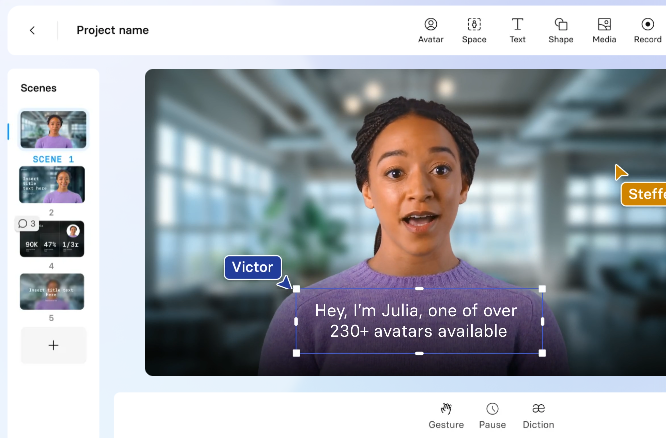
Synthesia is an AI video platform focused on scripted presenter videos for training and enablement. It helps teams turn documents or scripts into consistent videos using AI video avatar software, which works well for L&D programs, onboarding content, and internal knowledge sharing.
Key Features
AI Avatars: Create presenter videos using stock avatars or custom digital twins that deliver scripts clearly.
Script to Video: Turn documents or scripts into full video drafts with voice and visuals generated automatically.
1-Click Translation: Translate scripts into multiple languages and sync them with the avatar’s speech.
Interactive Video: Add quizzes or branching paths to guide viewers through structured learning content.
Pricing
Synthesia offers tiered plans based on video minutes and features.
Basic: Free plan. Includes limited video minutes and starter avatars.
Starter: $14 per month billed annually. Includes video downloads, an AI video assistant, avatar library access, and support.
Creator: $49 per month billed annually. Adds personal avatars, branded video pages, API access, and priority support.
Enterprise: Custom pricing. Includes unlimited video minutes, live collaboration, SCORM export, and dedicated onboarding.
Pros
Consistent presenter style across many videos.
Easy browser workflow for quick setup.
Speeds up training and enablement content.
Interactive features for structured learning.
Cons
Avatar realism can feel artificial.
Limited avatar customization for strict branding.
Video minute limits on lower plans.
5. Vimeo
Vimeo is best for teams that need ad-free video hosting, clean embeds, and stronger control over privacy and distribution. It fits marketing, communications, training teams, and media and broadcast organizations that publish videos on websites, run webinars, or manage a central video library with consistent playback quality.
Key Features
Ad-Free Hosting: Host videos in high resolution with an ad-free player that keeps viewers focused on your content.
Custom Player: Customize the embedded player so it matches your brand and fits your site experience.
Privacy Controls: Protect videos with settings like password privacy and unlisted links for controlled sharing.
Review Tools: Collect feedback with collaboration features that support review cycles and version coordination.
Pricing
Starter: $12 per month billed annually. Includes core hosting with player and privacy features.
Standard: $25 per month billed annually. Adds more seats, storage, and player branding options.
Advanced: $75 per month billed annually. Adds higher team limits, live streaming, and deeper analytics.
Enterprise: Custom pricing. Supports larger teams with advanced security and integrations.
Pros
Strong option for ad-free website video hosting.
Clean embeds and player customization for brand consistency.
Useful privacy controls for internal or gated content.
Supports live streaming and events on higher tiers.
Cons
Not designed for 1-to-1 sales personalization workflows.
Localization features are not the main focus.
Costs can rise as team needs and storage grow.
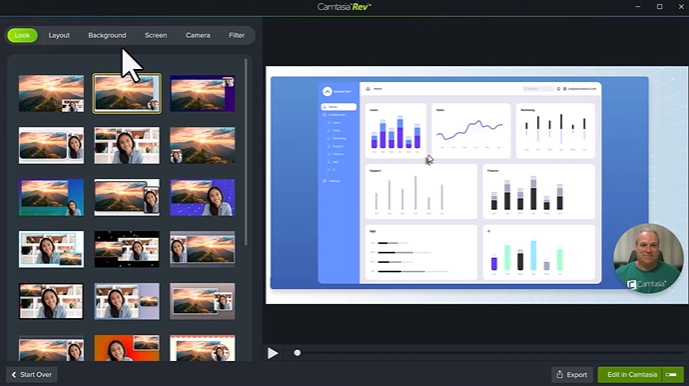
6. Camtasia
Camtasia works for creating polished tutorials and screen-based content with deeper editing control. It is best when you need to record walkthroughs, refine the output with timeline editing, and produce training or help content that looks structured and professional.
Key Features
Screen Capture: Record your screen, camera, and audio to build clear tutorials and walkthroughs.
Timeline Editing: Edit with a full timeline so you can control pacing, callouts, and scene structure.
AI Assist: Speed up creation with AI features like script generation and text-based workflows.
Training Output: Support learning workflows with options like quizzes and SCORM-ready exports on relevant plans.
Pricing
Camtasia offers annual plans based on editing depth and AI features.
Starter: $39 per year. Includes entry tools for screen capture and basic creation.
Essentials: $179.88 per year. Adds stronger editing and transcription features.
Create: $249 per year. Adds AI creation tools and broader production support.
Pro: $599 per year. Adds advanced production features for larger projects.
Business: $198 per user per year. Designed for teams with transferable licenses.
Enterprise: Custom pricing. Supports larger deployments with admin controls.
Pros
Strong choice for polished software tutorials and training videos.
Timeline editing gives more control than lightweight recorders.
Good fit for structured enablement and documentation workflows.
Annual pricing can be predictable for planned production.
Cons
It takes longer to learn than simple screen recorders.
Not built for sales-style viewer tracking and outreach workflows.
Heavier editing can slow teams that only need quick updates.
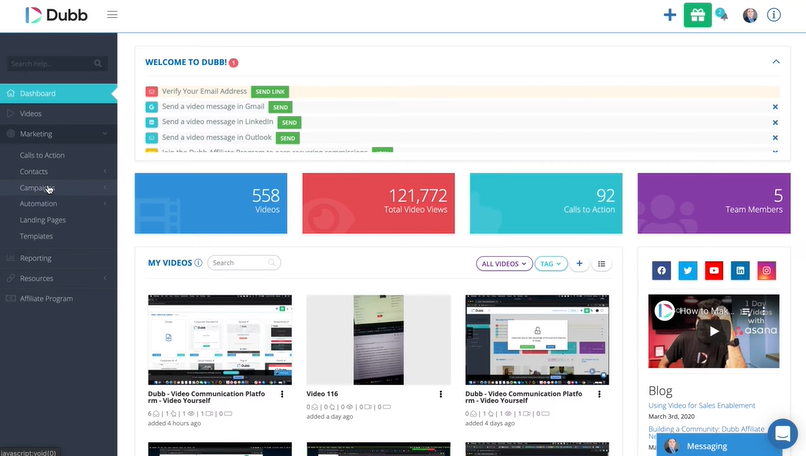
7. Dubb
Dubb is built around video messaging for prospecting and follow-up. It focuses on sending video through channels like email, SMS, and LinkedIn, then tracking engagement and driving next steps with landing pages and calls to action.
Key Features
Video Outreach: Send 1-to-1 video messages through email, SMS, and LinkedIn to improve response rates.
Action Pages: Create branded video landing pages with CTAs that guide viewers to book or reply.
Engagement Tracking: Track views and activity signals so follow-up timing is more informed.
Workflow Automation: Automate sequences and follow-ups based on viewer actions and campaign logic.
Pricing
Starter: $0 per year. Includes basic sending with a capped video limit.
Pro: $42 billed annually. Adds unlimited HD video and outreach tools like campaigns and CTAs.
Pro Plus: $90 billed annually. Adds more automation, branding options, and added support.
Enterprise: Custom pricing. Includes admin controls, security, and managed rollout.
Pros
Built for prospecting workflows and conversion-focused video pages.
Good channel coverage for email, SMS, and LinkedIn distribution.
UI and feature set can feel heavy for simple recording needs.
Localization is not the core use case compared to translation-first tools.
Best value depends on committing to annual billing tiers.
8. Wistia
Wistia is designed for website video marketing, where clean embeds, brand control, and viewer analytics matter. It works best for marketing teams that publish videos on landing pages, capture leads, and use engagement data to improve conversion and content performance.
Key Features
Ad-Free Player: Embed videos with a clean player that keeps viewers focused on your site, not suggested content.
Viewer Heatmaps: See where viewers drop off or rewatch so you can improve messaging and video structure.
Lead Capture: Collect leads with in-video forms that connect video engagement to pipeline.
Webinar Hosting: Run branded webinars and repurpose recordings into evergreen marketing assets.
Pricing
Free: $0 per year. Includes professional hosting with basic recording and editing tools.
Pro: $79 per month billed annually. Adds heatmaps, audience analytics, lead capture forms, and embeddable playlists.
Advanced: $319 per month billed annually. Adds branded webinars, marketing integrations, and automation features.
Premium: Custom pricing. Includes enterprise options like SSO, advanced security, and custom permissions.
Pros
Strong fit for website video marketing and lead capture.
Heatmaps and analytics make optimization easier.
Player branding supports a consistent site experience.
Webinar features help teams scale campaigns.
Cons
Not built for 1-to-1 sales video outreach workflows.
Deep editing is limited compared to full editors.
Costs can increase quickly at higher tiers.
9. Hippo Video
Hippo Video is best for sales teams that want video personalization tied to outbound workflows and CRM activity. It focuses on prospecting use cases, reusable video flows, and sales pages that help teams scale outreach while tracking engagement.
Key Features
Video Flows: Use reusable templates to create personalized videos across different stages of the buyer journey.
Sales Pages: Build video landing pages that support CTAs and structured follow-up.
CRM Integrations: Connect with sales tools so video engagement can inform outreach and reporting.
Captions and Chapters: Improve clarity and consumption with captions and structured viewing support.
Pricing
Free: $0 per year. Includes basic recording and sharing.
Pro: $20 per user per month billed annually. Adds more video flows and core sales features.
Teams: $60 per user per month billed annually. Adds team tools and higher usage limits.
Enterprise: $80 per user per month billed annually. Adds advanced controls and support with a minimum seat requirement.
Pros
Strong fit for video prospecting and sales workflows.
Good personalization options through templates and flows.
Integrations support structured outbound and follow-up.
Built for teams that need scale and reporting.
Cons
Editing and setup can take time to learn.
Pricing rises as seats and usage grow.
Localization is not the main focus compared to translation-first tools.
10. BombBomb
BombBomb is focused on relationship-driven video email, where the goal is higher engagement through simple, authentic messages. It is best for teams that want to record quickly, send through email integrations, share updates with social media teams, and track viewing activity seamlessly.
Key Features
Video Email: Embed personal videos into emails to improve opens, replies, and follow-through.
Simple Recording: Record and send quickly from desktop or mobile without a complex setup.
Brand Controls: Use branded video pages and player experiences that stay consistent across teams.
Workflow Tools: Support team usage with analytics and automation features on higher tiers.
Pricing
Core: $36 per user per month billed annually. Includes video messaging, privacy controls, email integrations, and analytics.
Core + Copilot: $56 per user per month billed annually. Adds AI creation tools, smarter workflows, and CRM sending support.
Enterprise: Custom pricing. Includes advanced security, API access, SSO options, and enterprise onboarding.
Pros
Easy way to add personal video to email outreach.
Good fit for relationship-first selling and customer communication.
Simple workflow makes adoption easier across teams.
Branding and analytics support consistent use.
Cons
Less suited to complex sales automation than some outreach-first tools.
Deep video editing is limited compared to full editors.
Advanced governance features require enterprise pricing.
What to Look for in a Personalized Video Tool
When comparing personalized video tools, focus on business impact rather than a feature checklist. Many platforms look similar at first, but the real difference shows in how well the tool fits your outreach workflow, content quality needs, and long-term growth plans.
Here are the key things to look for.
Personalization that still looks natural so each video feels like a real message instead of a template.
Localization options that help you reach buyers in different regions with accurate language and tone.
Editing control that lets you adjust scripts, names, or translations before sending videos.
CRM and outreach integrations that match how your sales and customer teams already work.
Pricing that stays predictable as campaigns grow or more users join.
Brand and compliance controls that keep messaging consistent across teams and markets.
Match Your Video Tool to Your Personalization Workflow
The right Vidyard alternative depends on how your team uses video today and where you plan to scale next. Think about whether your priority is fast internal updates, high-volume outreach, or global campaigns that require consistent quality. Tools like LipDub AI stand out when you need realistic personalized video, strong localization, and editing control that keeps brand quality consistent across markets.